
Data Center Technician Onboarding: A Practical 30/60/90-Day Plan
An onboarding plan for new data center technicians that covers preparation, the first week, 30/60/90-day goals, LOTO and arc flash awareness, MOPs and EOPs, shadowing, practice, and competence checks.
TL;DR
- Write the onboarding plan down. Give each new technician a named mentor and a list of tasks they may and may not do.
- Spend week one on the site, safety, and people: lockout/tagout roles, electrical safety and arc flash awareness, and escalation paths.
- Teach the procedure system early: where MOPs, SOPs, and EOPs live, and why every step has an expected result.
- Move from watching to doing in stages. Practice each task in a safe setting before live work.
- Sign off a task only after someone observes the technician do it, and keep a written record.
Why data center technician onboarding needs a written plan
A new technician joins a site that is already live, where every breaker, valve, and cable carries load, so they cannot learn by trial and error.
Uptime Institute's Management and Operations criteria say a training program must make sure all personnel understand the site's policies, procedures, and unique requirements. They also say training programs need to be well documented so that every person gets consistent training. Both points support putting the onboarding plan in writing.
At Oasis we build training simulations for data center teams, and the plans we see work best have a named mentor, a clear list of approved tasks, and an observed check before each new task goes live.
Before day one: what to prepare
- Badge and access levels for the areas the technician will work in during the first 30 days.
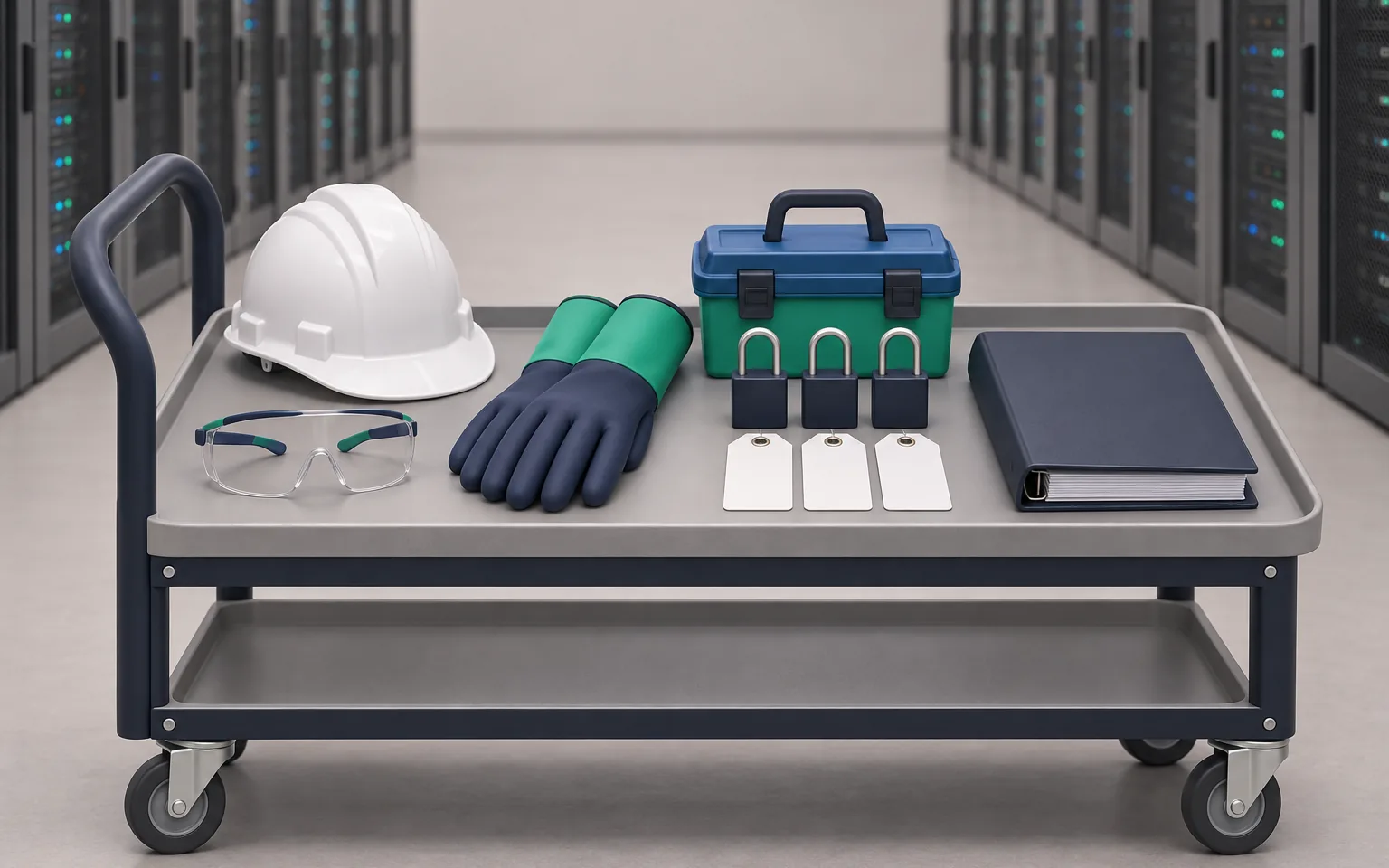
- PPE in the correct sizes, including the electrical PPE your site requires.
- Accounts for the CMMS, ticket system, and read-only access to monitoring screens.
- A named mentor with time in their schedule for shadowing.
- A printed copy of the 30/60/90-day plan and the task sign-off sheet.
- Access to the procedure library and the site one-line diagrams.
- The candidate's skills assessment results, if you used one, so the plan starts with real gaps.
The first week: site, safety, and people
By the end of week one, the new technician should know where things are, who to call, and what they must not touch.
- Day 1: site rules, access, emergency exits, muster points, and the escalation chain for each shift.
- Day 2: a walk of the electrical path from utility entry to the rack, with the one-line diagram in hand.
- Day 3: a walk of the cooling path, from chillers or dry coolers to CRAHs, CDUs, and the white space.
- Day 4: change management, meaning how a change is requested, approved, scheduled, and closed.
- Day 5: shadow a full shift handover. Read the shift log and ask questions.
Safety training: LOTO, arc flash, and NFPA 70E awareness
Lockout/tagout
OSHA's hazardous energy standard, 29 CFR 1910.147, sets three training levels. Authorized employees, who apply locks, must learn to recognize hazardous energy sources, the type and size of the energy, and how to isolate and control it. Affected employees learn the purpose and use of the procedure. All other employees in the area learn that they must never try to restart locked-out equipment.
A new technician is usually an affected or other employee at first, so tell them which one they are. Do not let them apply a lock alone until they are trained and signed off as authorized.
Electrical safety and arc flash
Under 29 CFR 1910.332, only qualified persons may work on or near exposed energized parts. A qualified person must, at minimum, be able to tell exposed live parts from other parts, find the nominal voltage, and know the required clearance distances. The training can be classroom or on-the-job, and the risk sets how much is needed.
NFPA 70E is the standard for electrical safety in the workplace. It covers safe work practices against shock, electrocution, arc flash, and arc blast. Week one should cover awareness: how to read an arc flash label, what each boundary means, and which PPE your site requires for each task.
| Topic | What the new technician shows | Who checks |
|---|---|---|
| LOTO roles | States their current LOTO status and what it allows | Safety lead |
| Arc flash labels | Reads a label and names the PPE it requires | Mentor |
| Emergency response | Walks to the nearest exits and names the escalation contact | Shift lead |
| Restricted equipment | Repeats the "do not touch" list | Mentor |
Teach the procedure system: MOPs, SOPs, and EOPs
Most data center work runs on written procedures. Uptime Institute's article on writing a good method of procedure defines the main types.
| Type | What it is | Example |
|---|---|---|
| MOP (method of procedure) | Step-by-step actions for a change of state in a critical component | Open a breaker for maintenance |
| SOP (standard operating procedure) | The overall document for how changes are made in normal operations. It often contains several MOPs. | Filter change on a CRAH unit |
| EOP (emergency operating procedure) | Steps to carry out in order when an abnormal event triggers the procedure | Response to a CDU pump trip |
Teach new technicians four habits: find the current version of the procedure, read every step before starting, check the expected result after each step, and stop and escalate when the result does not match. Uptime's article says technicians must have the MOPs they need, understand them, and have practiced them before they carry them out.
The 30/60/90-day onboarding plan
| Phase | Goals | Example tasks | Check before moving on |
|---|---|---|---|
| Days 1 to 30 | Know the site, the safety rules, and the procedure system | Rounds with a mentor, read the shift log, walk the electrical and cooling paths | Safety topics signed off. Can find any procedure in under two minutes. |
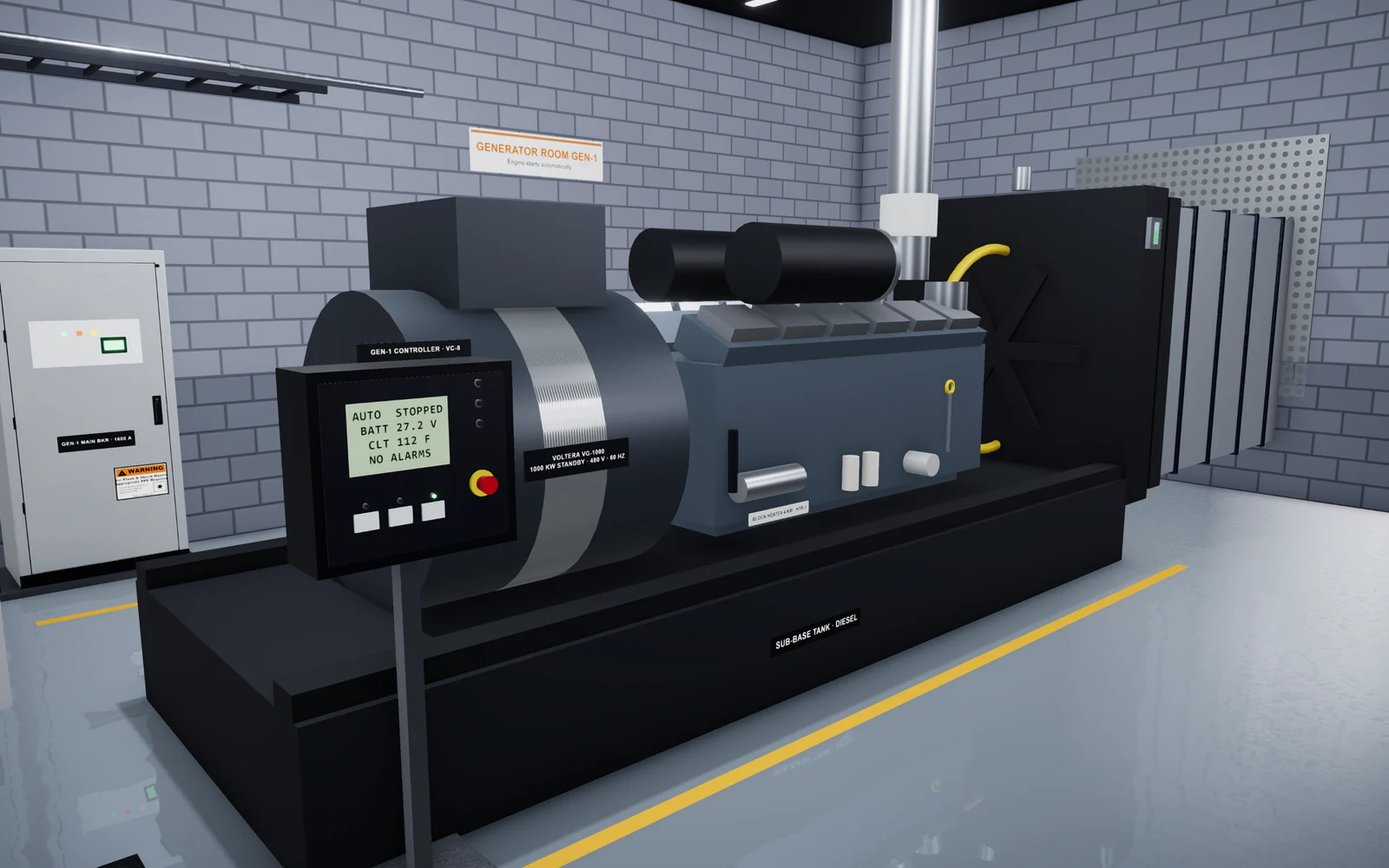
| Days 31 to 60 | Do routine tasks under supervision | Daily rounds, filter changes, alarm acknowledgment, generator test walk-down as assistant | Each routine task observed twice without errors |
| Days 61 to 90 | Lead routine tasks and support planned maintenance | Lead rounds, support a UPS or switchgear maintenance window, take part in an EOP drill | Sign-off on routine tasks. Clear plan for the next qualifications. |
Adjust the timing to the person. An experienced electrician may move through days 1 to 30 in two weeks, while a new graduate may need more time. Move a person to the next phase when they pass its checks, whatever the date.
Shadowing in five stages
Shadowing often fails when the new technician only watches. Take each task through five stages instead.
- The new technician watches while the mentor does the task and explains each step.
- The mentor does the task again, and this time the new technician reads the procedure aloud and states each expected result.
- The new technician assists by doing some of the steps. The mentor keeps the high-risk steps.
- Now the new technician leads and does every step, with the mentor watching and ready to stop the work.
- For sign-off, a different qualified person observes the task and signs the record.
Give mentors a short guide that asks them to explain the reason for each step and to let the new technician find the procedure on their own.
Practice before live work
Uptime Institute calls commissioning the single best training opportunity for an operations team, because the team can exercise every component without risk to IT load. After go-live, change control limits that freedom. If your new hires missed commissioning, they need another safe place to practice. Our guide to data center commissioning levels explains what each stage covers.
- Do dry runs: walk through the MOP at the equipment without operating anything.
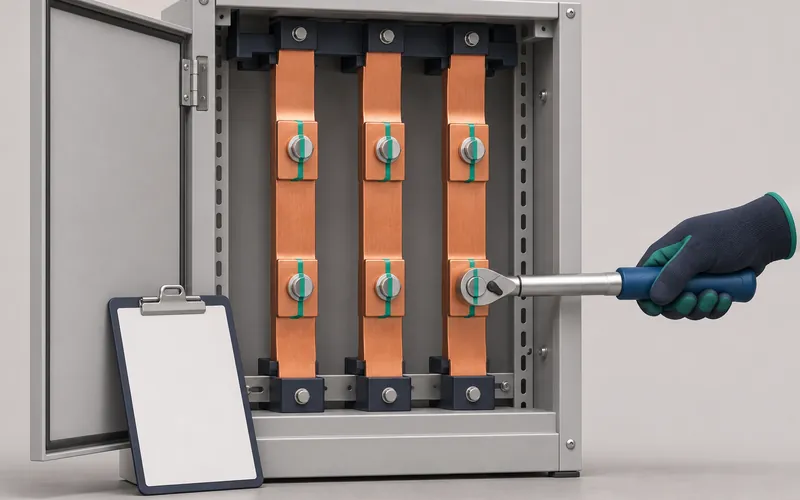
- Practice physical skills such as torque, terminations, and lock placement on de-energized training equipment.
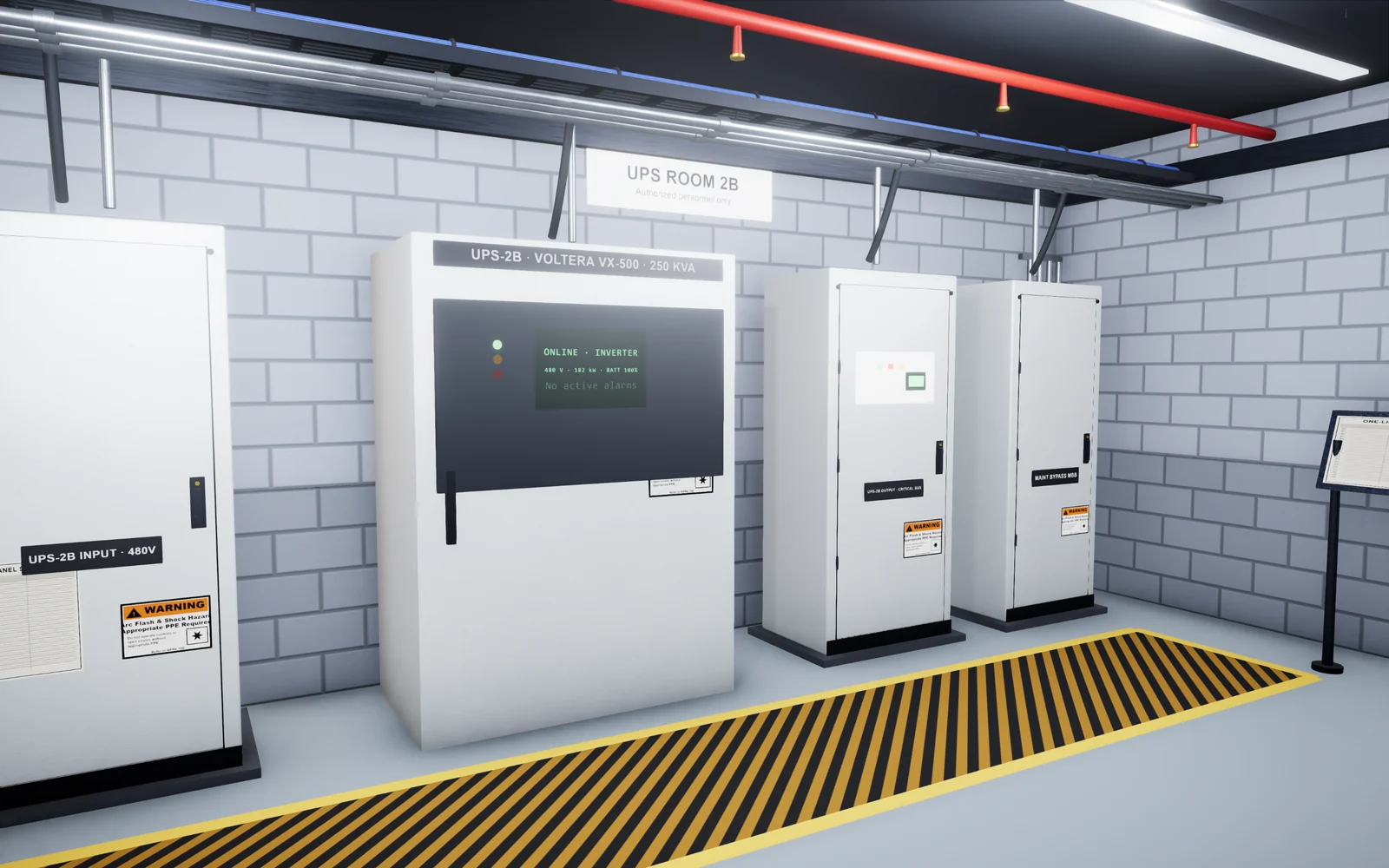
- Use simulation for sequences and faults you cannot create on live equipment, such as a CDU pump trip or a UPS transfer.
- Run EOP drills on a schedule and hold a debrief after each one.
We compare the options for simulation delivery in VR vs. browser simulation training.
How to check competence before sign-off
A sign-off should confirm that the person can do the task safely without help. Use the same four checks for every task.
| Check | Pass looks like |
|---|---|
| Does the task to the procedure | Correct steps in the correct order, with each result verified |
| Explains the reasons | Can say what each high-risk step protects against |
| Handles an abnormal condition | Stops and escalates when a result does not match |
| Communicates | Clear shift log entry and handover |
Keep a written record for each task, with the name, date, and observer. For lockout/tagout, OSHA requires the employer to certify that training is done and kept up to date, with each employee's name and the training dates. OSHA also requires LOTO retraining when job assignments change, when new equipment or processes bring a new hazard, or when the energy control procedure changes. Use similar triggers for your other task sign-offs.
Common onboarding mistakes
- Sign-off by calendar date instead of observed performance.
- A mentor with no time set aside for teaching.
- No "do not touch" list, so new hires guess their limits.
- Training on outdated procedure versions.
- No EOP drills, so a technician's first emergency response happens during a real event.
For a wider view of how onboarding fits into ongoing training, read our guide to data center training programs.
How Oasis helps
Oasis Simulations builds custom 3D simulations and training for data centers and the physical trades. Programs run in a web browser. We build each simulation around your equipment, procedures, and site standards, and we review the steps and feedback with your team.
Onboarding and training is one of our data center programs. We can simulate any equipment, procedure, or fault that a new technician must learn at your site, and our work goes well beyond the examples on this site. You can try a data center simulation in your browser now. If a call would help, book 15 minutes with us.
Frequently asked questions
How long does data center technician onboarding take?
A 90-day plan is a practical frame for the time before a new technician leads routine tasks alone. Measure progress by task sign-offs, whatever the date. Experienced hires often move faster, and new graduates may need longer.
What should a new data center technician learn first?
Learn the site layout, the safety rules, and who to call. Then learn the procedure system: where MOPs, SOPs, and EOPs are kept and how to follow them step by step. Hands-on tasks come after these basics.
Do new data center technicians need NFPA 70E training?
Anyone who works on or near exposed energized parts needs electrical safety training, and OSHA sets requirements for qualified persons. NFPA 70E covers safe work practices for shock and arc flash. All new technicians should get at least awareness training, and your safety lead decides what each role needs.
Can a new technician perform lockout/tagout?
Only after training as an authorized employee under OSHA 1910.147 and sign-off by your site. Until then, they should know the procedure and never try to restart locked-out equipment.
How do you check that onboarding worked?
Observe each task before sign-off. Check that the technician follows the procedure, explains why each high-risk step matters, stops on a mismatch, and writes a clear handover. Keep a record with the name, date, and observer.
Sources
- Data Center Management and Operations Criteria, Uptime Institute
- 1910.147: The control of hazardous energy (lockout/tagout), U.S. Occupational Safety and Health Administration
- 1910.332: Training (Electrical, Subpart S), U.S. Occupational Safety and Health Administration
- NFPA 70E: Standard for Electrical Safety in the Workplace, National Fire Protection Association
- The Making of a Good Method of Procedure, Uptime Institute Journal
Related articles
 9 min read
Data Center Technician Skills Assessment: How to Test Practical Skills Before You Hire
Which tasks to test in data center technician candidates, how written, hands-on, and simulation exercises compare, how to score each candidate fairly, and the legal basics.Read guide 10 min read
Data Center Training Programs: The Best Certifications and Courses for 2026
The data center training programs and certifications we recommend for 2026, with the audience, format, content, and official link for each. We also cover how to choose one and how certifications differ from site-specific training.Read guide 10 min read
Data Center Commissioning Levels: A Field Guide to L1 Through L5
What happens at each of the five data center commissioning levels, who does the work, which tests to expect, and how to prepare your team.Read guide