
VR vs Browser-Based Simulation Training: A Fair Comparison for Trades and Data Center Teams
How VR headset training and browser-based 3D simulation compare on hardware, cost, remote candidates, realism, simulator sickness, accessibility, updates, and reporting, and where each one fits best.
TL;DR
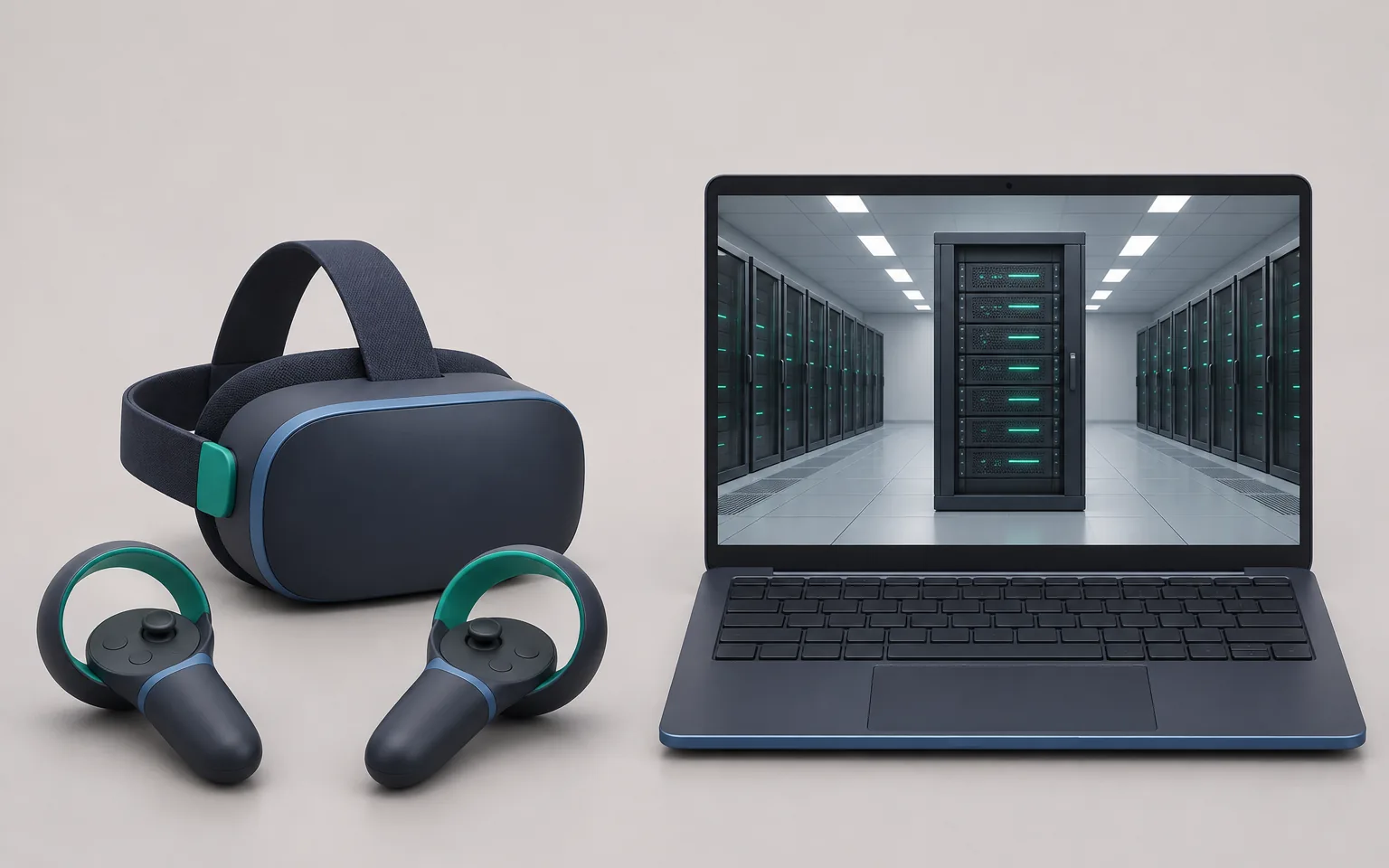
- VR headsets give stronger presence and real physical scale. Browser-based 3D simulation reaches more people, including remote candidates, with no hardware to ship.
- In one controlled study, students felt more present in VR but learned less than with the same simulation on a desktop.
- Simulator sickness is a known cost of headset training. A 2020 meta-analysis of 55 studies found relatively high average symptom scores in head-mounted displays.
- Use the browser for hiring tests, onboarding at scale, and procedure practice. Consider VR where body movement, reach, and spatial scale are the skill.
- Motor skills such as torque, cable dressing, and lifting still need supervised practice on real equipment, whichever format you pick.
What we mean by VR and browser-based simulation
Both formats put a learner in a 3D model of a real site to practice a real task. They differ in the device the learner uses.
- VR headset training runs on a head-mounted display with hand controllers or hand tracking. The learner stands or sits inside the scene and moves their body to act.
- Browser-based 3D simulation runs in a normal web browser on a laptop or desktop, and there is nothing to install. Learners work with a mouse, keyboard, or touch screen.
At Oasis, we build browser-based simulations of data center equipment and procedures, so we have a stake in this question. We have tried to be fair to VR anyway. It has clear strengths, and we say where it is the better choice. To see the browser side as it is today, try a data center simulation in your browser.
VR vs browser-based simulation: side-by-side comparison
Read each row as a general tendency. A well-run VR program can beat a poor browser program on every row.
| Factor | VR headset training | Browser-based 3D simulation |
|---|---|---|
| Hardware | Headsets and controllers for each learner, plus chargers and spares | The laptop or desktop the learner already uses |
| Setup per session | Fit, adjust, and clean the headset, teach the controls | Open a link |
| Remote candidates | Hard: you must ship or lend a headset | Easy: send a link |
| IT effort | Device management, app installs, Wi-Fi, and updates on each headset | Approve a web address, check browser and graphics support |
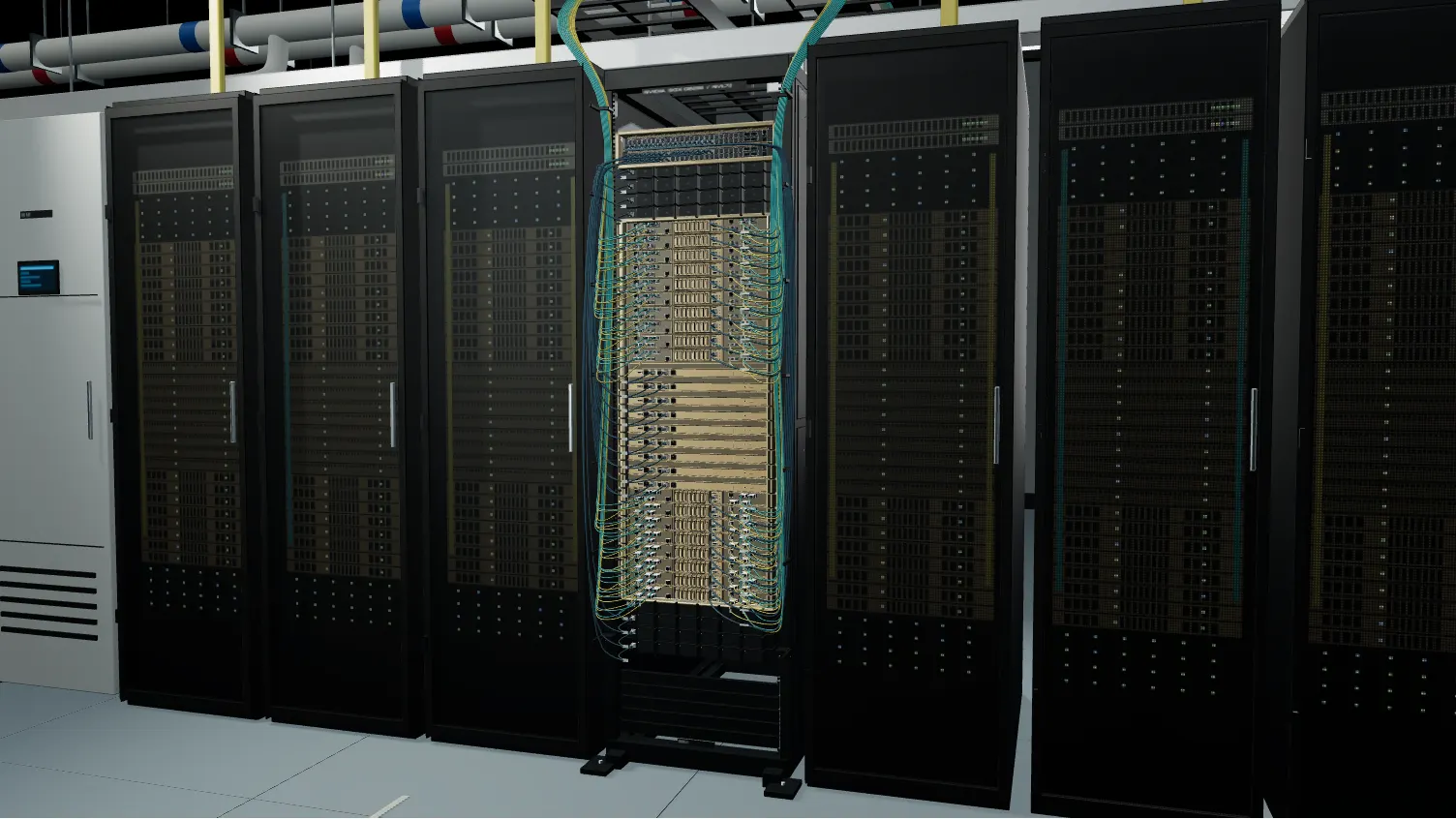
| Physical realism | High: real scale, head and hand movement, reach | Lower: a screen and a mouse |
| Procedural realism | Depends on the content | Depends on the content |
| Comfort | Simulator sickness and eye strain affect some users | No headset-specific comfort problems, normal screen use |
| Accessibility | Harder for some people with glasses, vision, balance, or mobility needs | Works seated, with screen zoom, keyboard use, and breaks at any time |
| Content updates | Push a new build to every device | Update once and every learner gets it on the next page load |
| Data and reporting | Every action, plus head, hand, and gaze data | Every click, step, reading, and time stamp |
| Best fit | Spatial tasks, hazard awareness, practice that needs reach and scale | Hiring tests, onboarding at scale, procedure and fault practice |
Hardware, setup, and cost drivers
In both formats, content is a large cost: modeling equipment, writing scenarios, and reviewing steps with experts. Beyond content, the two formats spend money in different places.
What drives VR cost
- Headsets and controllers, plus spares for breakage and loss.
- Charging, storage, cleaning, and hygiene covers between users.
- Device management software, and a person to run it.
- Staff time to fit headsets and teach first-time users.
PwC studied VR for a soft-skills course for new managers. It reported that VR content needed up to 48% more initial investment than similar classroom or e-learning courses, and it estimated cost parity with classroom training at 375 learners and with e-learning at 1,950 learners (PwC). That course had nothing to do with technical work, but one point carries over: VR cost per learner depends heavily on how many people use each course.
What drives browser simulation cost
- Content build and review, plus hosting for a web application.
- A check that learner devices can run the scene. Old or locked-down laptops can struggle with large 3D scenes.
You also have no device fleet to buy and replace, and that saving grows as you add sites and people.
Scale and deployment: IT, devices, and remote candidates
Hiring tests show the gap most clearly. Candidates apply from many places, and most of them do not own a headset. Shipping one to every applicant and getting it back again is not practical. A browser test can go out as a link in the same email as the interview invite, and the candidate takes it on their own laptop. You see the result before you spend a site visit or a panel interview.
Onboarding works much the same way. A new hire has a laptop on day one, while a headset program needs a booked device, a charged battery, and someone who knows the setup. That is manageable at one training center and much harder across ten sites and three shifts.
For IT, a headset is a new class of managed device, while a browser simulation is one more web address to approve. Bring your IT team in early.
We explain how to design practical hiring exercises in our guide to data center technician skills assessment, and first-week plans in data center technician onboarding.
Physical realism and procedural realism
It helps to split realism into two parts.
- Physical realism is the sense that your body is in the space. Scale, reach, head movement, and hand position all add to it, and VR does this well.
- Procedural realism is how closely the steps, readings, equipment states, and consequences match the real task. For example, the breaker sequence must be correct, and the display must show the right alarm when someone skips a step. The quality of the content decides this, whatever the device.
A systematic review of head-mounted display studies in professional training, covering 30 years, found evidence that VR helps with spatial memory, remembering procedures, and psychomotor skills. It also found VR a good alternative where on-the-job training is impossible or unsafe. The same review noted that many studies had few participants and questionable assessment methods (Renganayagalu et al., 2021).
Other evidence on immersion is mixed. In a controlled study, 52 university students learned from the same science lab simulation on a desktop screen or in a VR headset. They felt more present in VR, but they learned less, and EEG showed higher cognitive load (Makransky, Terkildsen, and Mayer, 2019). It was one study, with students and science content, so apply it to trades work with care. It does show that putting on a headset does not by itself make people learn more.
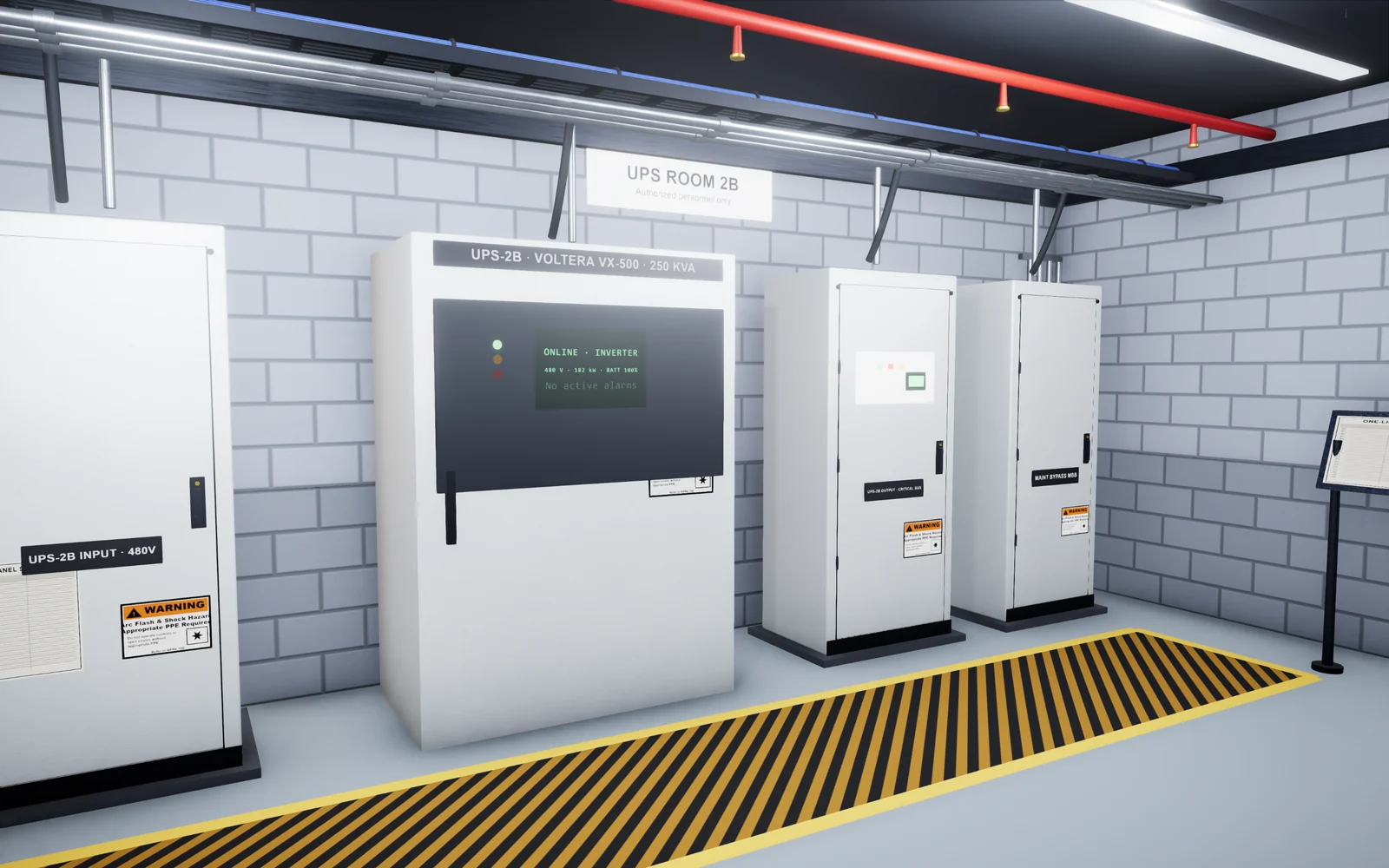
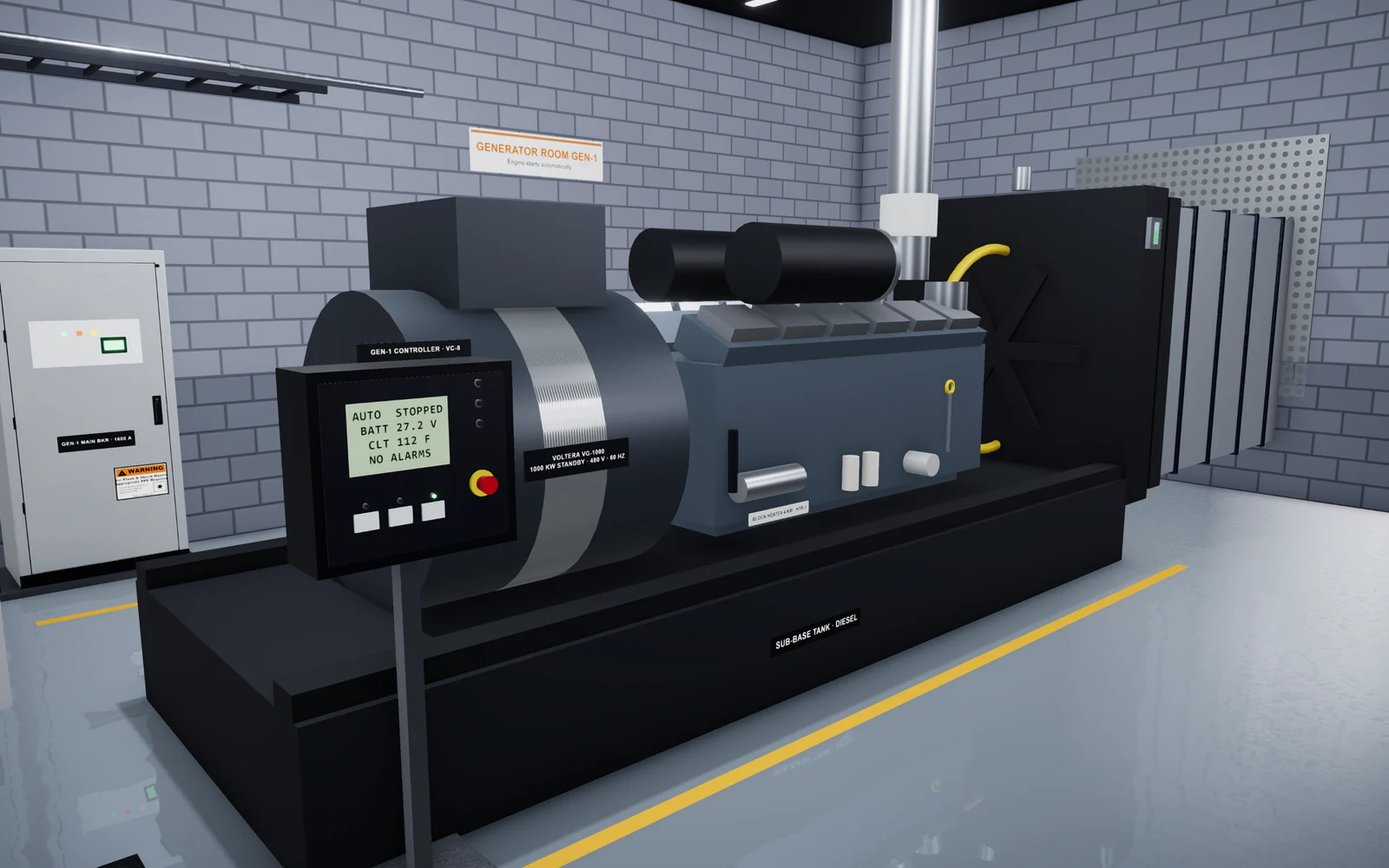
In our data center work, most of the difficult parts of a task are procedural. On a UPS functional test, a technician must follow the method of procedure, read the right meters, and spot an abnormal state.
Motion sickness, comfort, and accessibility
Simulator sickness is the best-documented cost of headset training. A 2020 systematic review and meta-analysis pooled 55 studies with 3,016 participants who used head-mounted displays. The pooled symptom score was relatively high compared with recommended cut-off scores. Gaming content scored highest. Movement type mattered too: controller-based movement had the highest mean score, and physical walking had the lowest. The review found no sex differences (Saredakis et al., 2020).
Short sessions, calm scenes, and little artificial movement help, but some people will still feel unwell, so plan for them. This matters most in a hiring test, where a candidate who feels sick can score lower for reasons that have nothing to do with the job.
Think about accessibility in the same way. Some glasses do not fit well in a headset, and some people cannot stand for long or turn freely. A browser simulation runs seated, works with screen zoom, and can pause at any time.
Content updates when equipment and procedures change
Equipment and procedures at a site change often. When new switchgear arrives or a procedure gets a new hold point, training that still shows the old way can do harm.
Both formats can be updated, but they get the update to learners in different ways. A browser simulation updates in one place, and every learner gets the new version on the next page load. A VR application usually needs a new build on every headset. That is routine if you have device management in place. If you do not, old versions tend to stay in use.
Either way, send each update back to the site experts who own the procedure before it goes live.
Measurement and reporting
Both formats can log each action, its order, the time between steps, and every mistake. VR can add head, hand, and gaze data.
The harder question is what the data proves. A 2023 systematic review of 136 VR safety training studies found that most measured learner reaction and learning. Very few measured behavior on the job or business results (Stefan, Mortimer, and Horan, 2023). The same gap applies to browser simulation. To know whether training works, compare simulation results with what supervisors see on the floor.
Be modest about what a hiring exercise proves. It tells you how a candidate handles a realistic task, and it should be one input to the hiring decision.
Which format fits which use case
| Use case | Better fit | Why |
|---|---|---|
| Hiring and aptitude tests for remote candidates | Browser | No hardware to ship, and every candidate takes the same test on their own laptop |
| Onboarding across many sites and shifts | Browser | Every new hire already has a screen, and updates reach everyone at once |
| Procedure practice (switching, functional tests, generator tests) | Browser, or either | The skill is order, readings, and judgment, so content quality matters more than the device |
| Fault response and troubleshooting | Browser, or either | Scenarios branch on each choice, and repeat practice is cheap |
| Spatial familiarity with a large hall or plant | VR | Real scale and head movement help learners build a mental map |
| Hazard awareness and emergency drills | VR, or either | Presence can make a hazard feel real (check comfort first) |
| Motor skills (torque, cable dressing, lifting) | Real equipment, then VR | Force, feel, and tool handling need hands-on practice. VR can rehearse reach and sequence |
Many teams will use both: a browser program for hiring, onboarding, and procedure practice, and a few headsets at a training center for spatial and hazard work. We look at how this applies to liquid-cooled halls in data center liquid cooling training.
A decision checklist
Answer these questions before you choose a format.
- Who must take the training? Count them, and note how many are remote or not yet hired.
- What is the skill? Write it as an action, such as "return the UPS to normal mode in the correct order". A goal like "understand UPS systems" is too vague to train or test.
- Is the skill mostly sequence and judgment, or mostly body movement and force?
- Can your IT team manage a headset fleet? Ask them before you assume.
- Who will feel unwell or be left out with a headset, and what is the plan for them?
- How will you check that training changed behavior on the job?
If most answers point to scale, remote access, and procedures, start in the browser. If the skill is spatial or physical, and the group is small and on site, a VR pilot is worth it. Our list of data center training programs shows where simulation fits beside certifications.
How Oasis helps
Oasis Simulations builds custom 3D simulations, training, aptitude tests, and skills assessments for data centers and the physical trades. Our programs run in a web browser, so nobody needs a headset. We build each simulation around your equipment, procedures, and site standards. Then we review the steps and feedback with your team.
We can build any scenario your team needs, on any equipment, and our work goes well beyond the examples on this site. See our data center programs and how we work. If you want to talk through which format fits your team, book a 15-minute call.
Frequently asked questions
Do browser-based training simulations need special hardware?
No headset is needed. Learners use the laptop or desktop they already have. Large 3D scenes need a current browser and reasonable graphics support, so test on your standard company laptop before rollout.
How common is motion sickness in VR training?
Often enough that you should plan for it. A 2020 meta-analysis of 55 head-mounted display studies found relatively high average symptom scores. Content type, movement method, and exposure time all affected symptoms. Short sessions and little artificial movement help.
Can you run a VR hiring test for remote candidates?
It is difficult, because you must ship or lend a headset to each candidate or bring them to a site. A browser-based exercise is easier to send as a link. Either way, use the result as one input to the hiring decision.
Can a browser simulation teach hands-on trade skills?
It teaches the procedural part well: the order of steps, readings, equipment states, and fault recognition. It does not teach force, feel, or tool handling. Those need supervised practice on real equipment, and commissioning teams still witness real tests. See our guide to data center commissioning levels.
Sources
- How virtual reality is redefining soft skills training, PwC
- Effectiveness of VR Head Mounted Displays in Professional Training: A Systematic Review, Technology, Knowledge and Learning (Springer), Renganayagalu, Mallam, and Nazir, 2021
- Adding immersive virtual reality to a science lab simulation causes more presence but less learning, Learning and Instruction (Elsevier), Makransky, Terkildsen, and Mayer, 2019
- Factors Associated With Virtual Reality Sickness in Head-Mounted Displays: A Systematic Review and Meta-Analysis, Frontiers in Human Neuroscience, Saredakis et al., 2020
- Evaluating the effectiveness of virtual reality for safety-relevant training: a systematic review, Virtual Reality (Springer), Stefan, Mortimer, and Horan, 2023
Related articles
 10 min read
Data Center Training Programs: The Best Certifications and Courses for 2026
The data center training programs and certifications we recommend for 2026, with the audience, format, content, and official link for each. We also cover how to choose one and how certifications differ from site-specific training.Read guide 9 min read
Data Center Technician Skills Assessment: How to Test Practical Skills Before You Hire
Which tasks to test in data center technician candidates, how written, hands-on, and simulation exercises compare, how to score each candidate fairly, and the legal basics.Read guide 8 min read
Data Center Technician Onboarding: A Practical 30/60/90-Day Plan
An onboarding plan for new data center technicians that covers preparation, the first week, 30/60/90-day goals, LOTO and arc flash awareness, MOPs and EOPs, shadowing, practice, and competence checks.Read guide