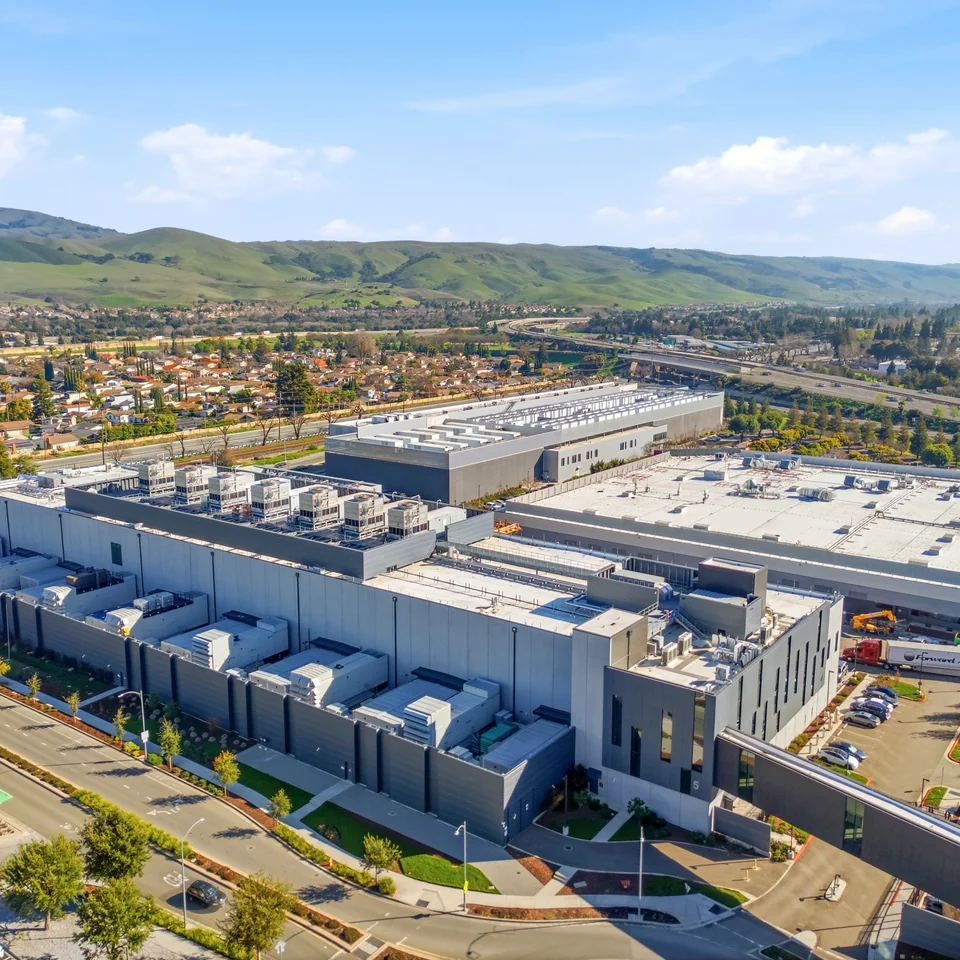

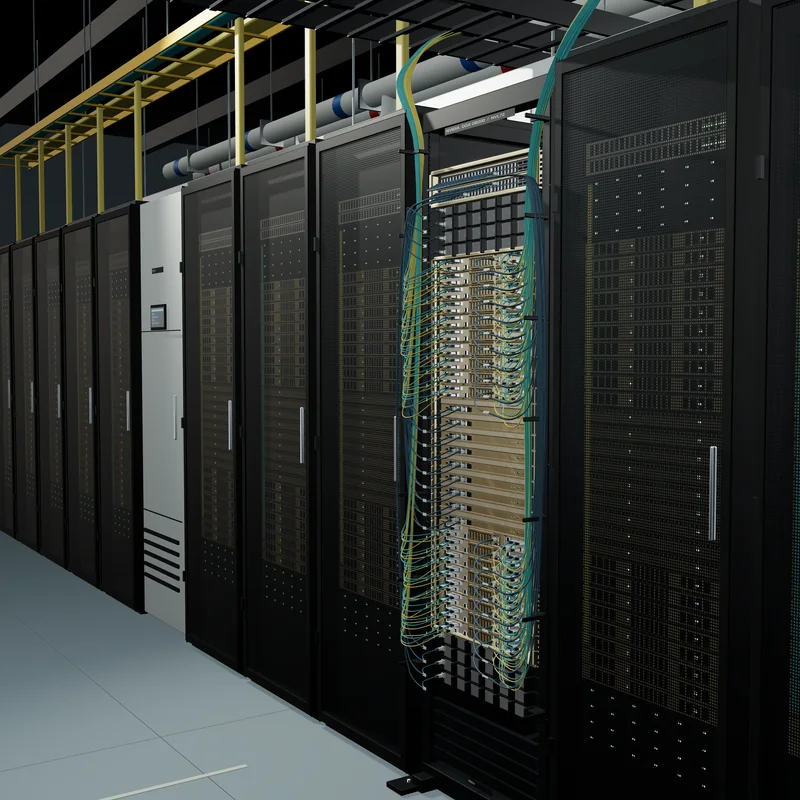
Your equipment.
Learn the systems your team will use on site.

Recreate your equipment and procedures in a browser.
Give the people who run your data centers a place to practice.
Drag the meter probes onto the terminals
to read the voltage.
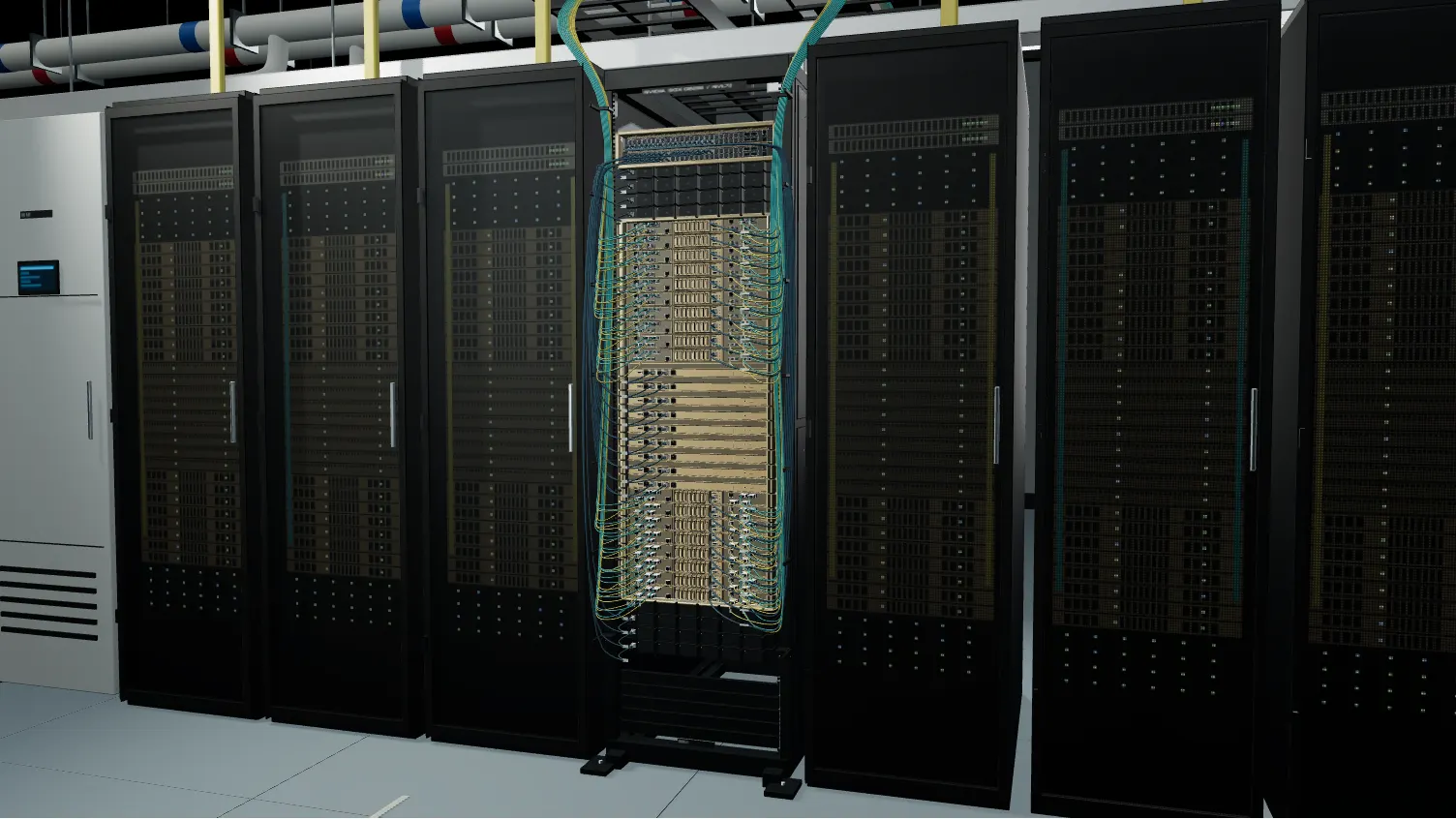
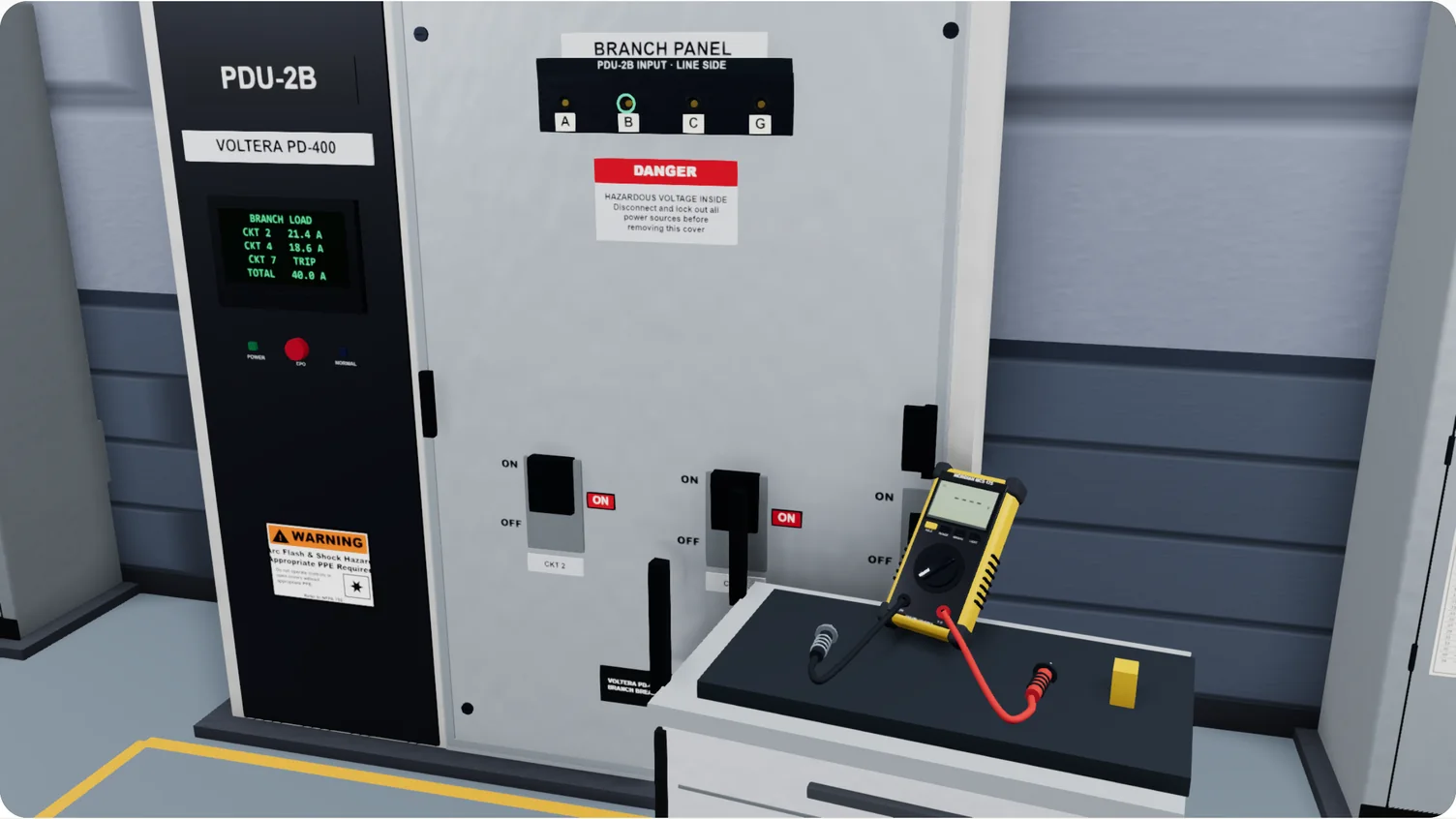
Step 1 of 2. Drag the black COM probe from the cart onto stud B on the input strip.
Choose a lead and a terminal below. You can also focus a probe in the view and use the arrow keys to move between terminals, or Escape to put it back on the cart.
Skilled labor is a bottleneck to the data center buildout. The people who can teach the work are already needed on the job.
Give your team a place to practice your equipment and procedures, without taking a live system out of service.
Learn the systems your team will use on site.
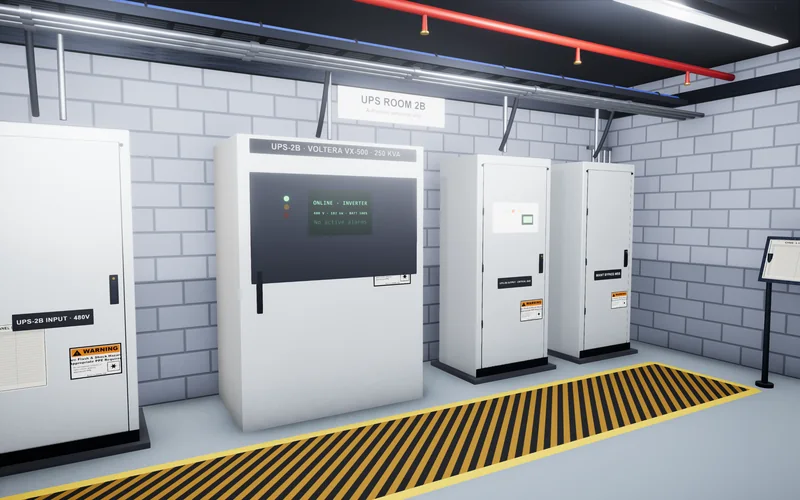
Rehearse the steps before working on a live system.
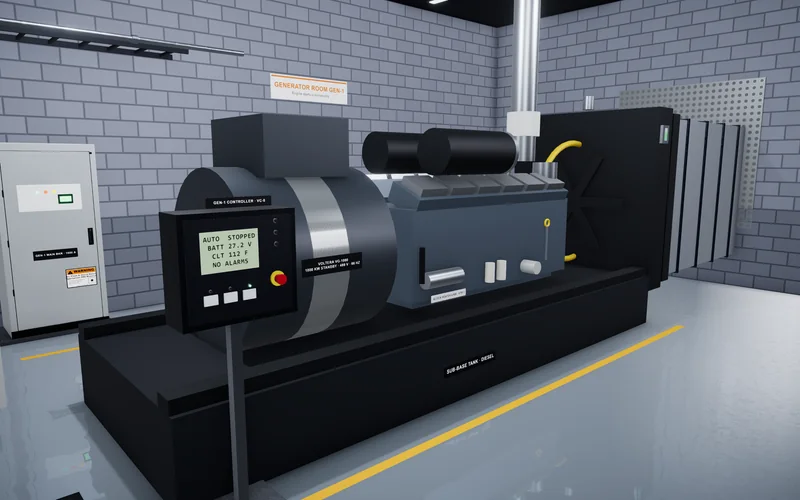
Open a browser. Revisit the work as often as needed.
Built around your site. Available in a browser.
Talk through your training programFrom a candidate's first assessment to a crew's daily work, build simulations around the equipment and procedures at your site.
Introduce crews to the equipment and procedures they will use on site. Build practice for onboarding, unfamiliar tasks, and procedure refreshers.
Build your trainingGive candidates practical scenarios and review how they solve problems, follow instructions, and approach unfamiliar equipment. Use their work to support interviews.
Plan a hiring assessment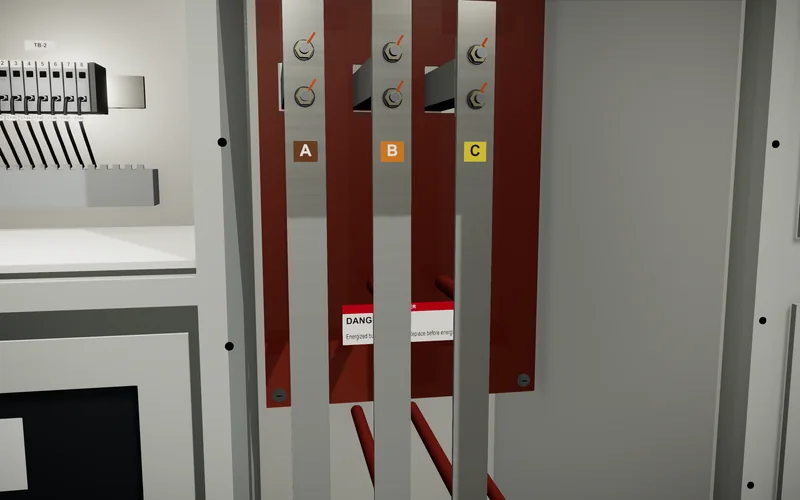
Rehearse inspections, readiness checks, test procedures, and system handover. Build each exercise around your site's equipment, standards, and commissioning process.
Plan commissioning practicePractice fault diagnosis, incident response, and maintenance around electrical and cooling equipment. Shape scenarios around the procedures your operators follow.
Plan operations trainingWe can recreate equipment, procedures, and scenarios for QA/QC, maintenance, logistics, and other skilled trades. Share the work you need to teach or assess.
Scope a custom program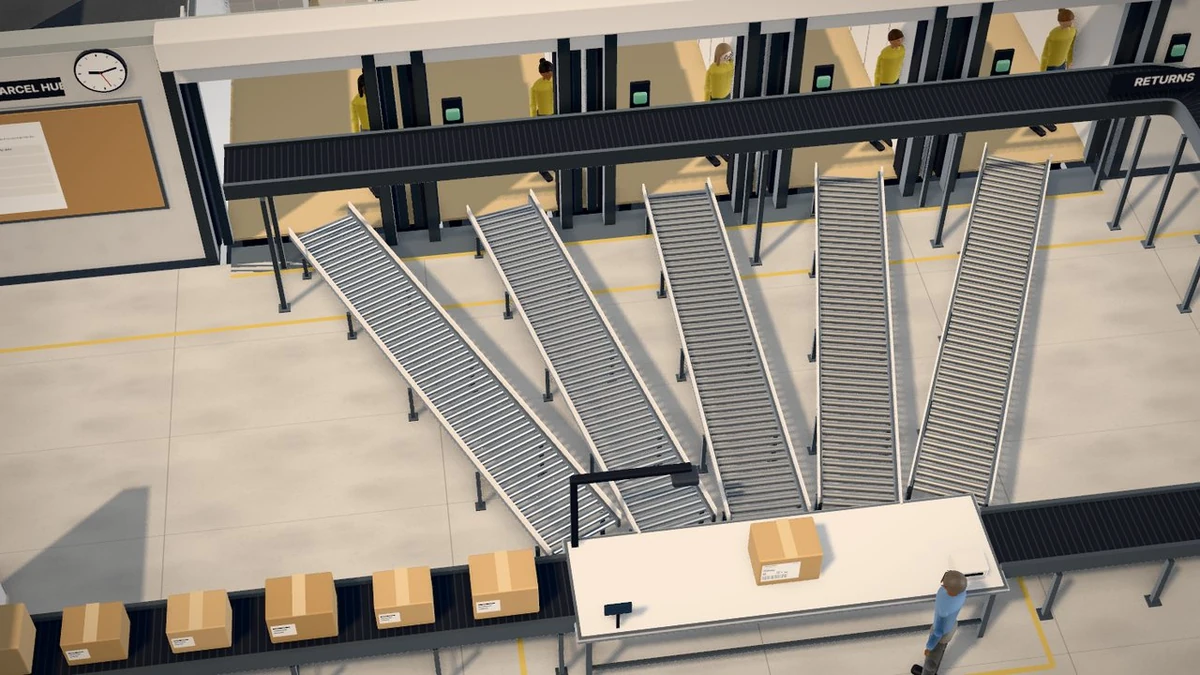
We work with your team to build practice around the work you actually do.
We review your equipment, SOPs, MOPs, and the tasks your team needs to practice.
We recreate the environment and procedures, then review them with the people who know your site.
Your team opens the simulator in a browser for practice, onboarding, and practical assessments.
Practical guides to training, commissioning, and bringing new people onto the team.
What technicians must know to work on liquid-cooled AI racks, from CDUs and quick disconnects to leak response and pump failover, and how to train for it.
TrainingAn onboarding plan for new data center technicians that covers preparation, the first week, 30/60/90-day goals, LOTO and arc flash awareness, MOPs and EOPs, shadowing, practice, and competence checks.
CommissioningWhat happens at each of the five data center commissioning levels, who does the work, which tests to expect, and how to prepare your team.
Oasis Simulations is a 3D simulation company that recreates your equipment, so data center and skilled trades teams can train and assess skills in a browser.
No. Oasis programs run in a web browser, so people can use them on an ordinary computer. You can explore a sample data hall on this page.
Yes. We review the equipment, procedures, and tasks your team needs to learn, build the simulation around your site and standards, and review the steps and feedback with your team before it goes live.
Any work your team needs to practice. We build each simulation around your own equipment, procedures, and faults, across electrical, mechanical, cooling, and IT systems, for hiring, onboarding, commissioning, and operations. Read how the five commissioning levels work.
Yes. Candidates complete practical exercises on realistic equipment, and you see how they solve problems and follow procedures. Use the results alongside your interviews and your own judgment. See how to run a technician skills assessment.
No. Data centers are our main focus, and we also build custom programs for the physical trades: QA/QC and inspections, commissioning, operations and maintenance, logistics and inventory, and custom field tools.
