


Step inside the data center
Look around the rack. Pull a cable, then plug it back in.
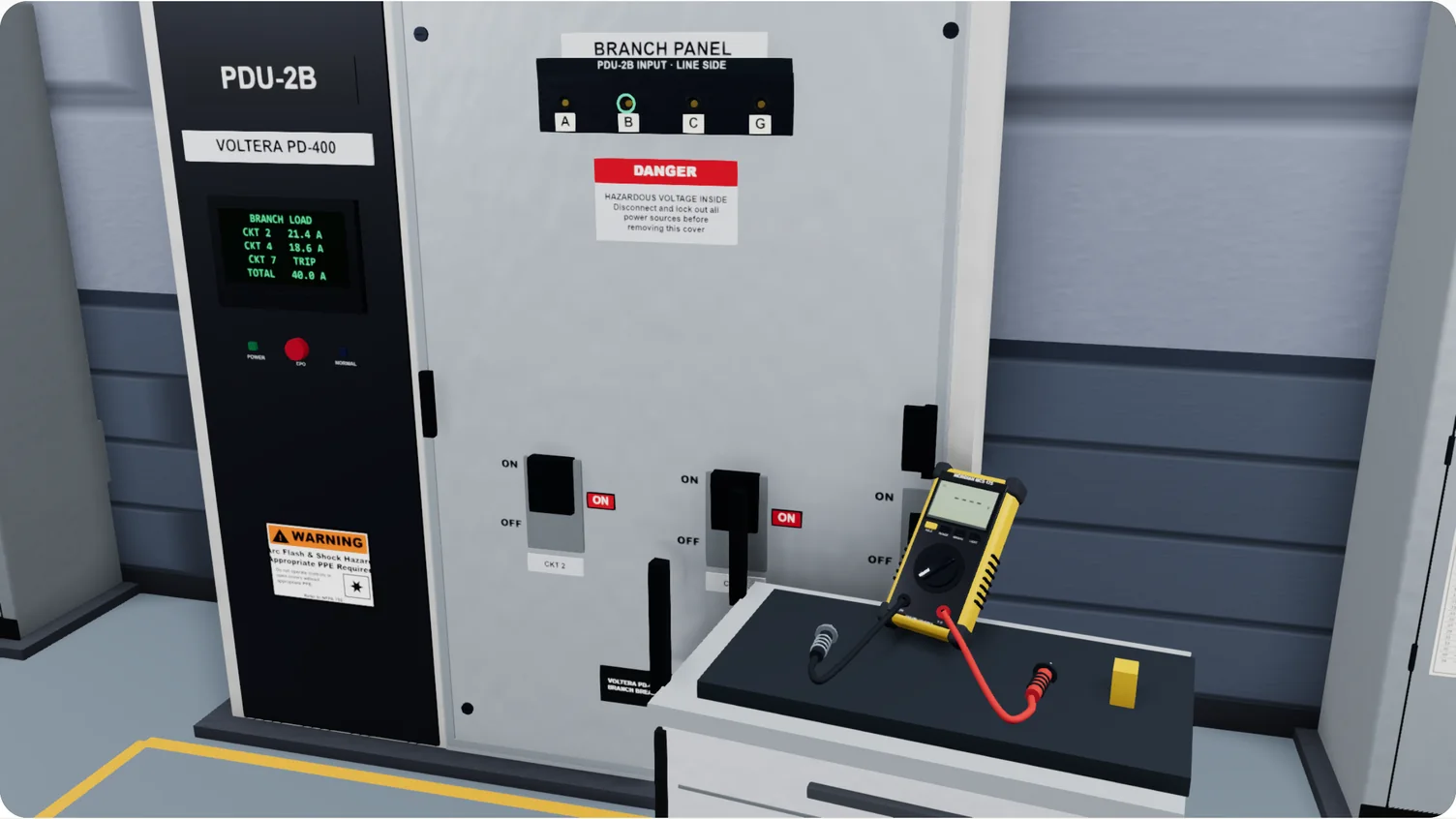
Step 1 of 2. Drag the black COM probe from the cart onto stud B on the input strip.
Keyboard & button controls
Choose a lead and a terminal below. You can also focus a probe in the view and use the arrow keys to move between terminals, or Escape to put it back on the cart.
An example Oasis environment. Your simulator is built around your equipment and procedures.
Build one for your teamRack and cables
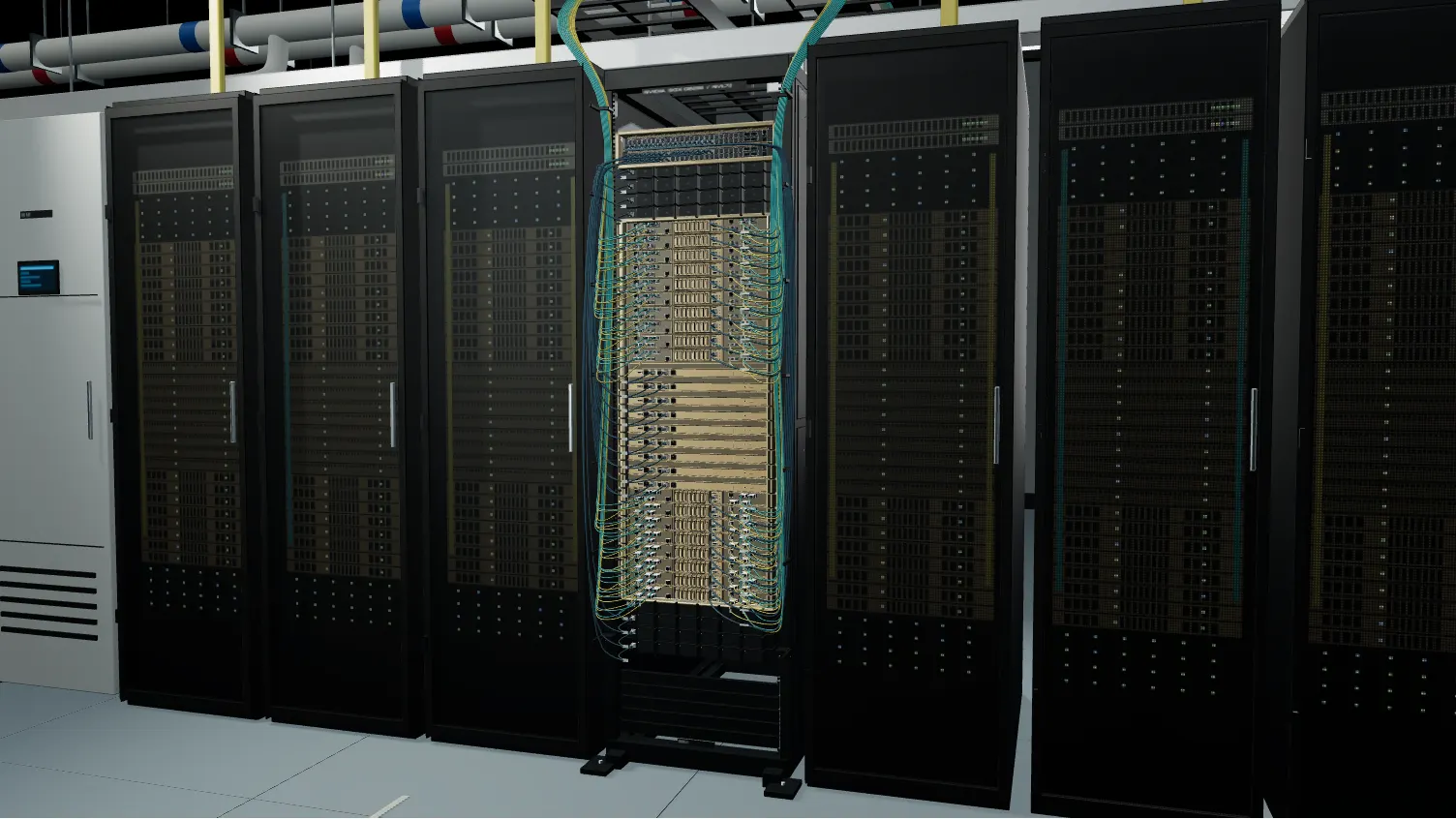
A liquid-cooled GB200 rack in a data hall row. Move between the compute trays, switch trays, power shelves, management ports, rear cooling, and the cooling unit. Its 18 management cables can be pulled and plugged back in.
Power and voltage
A power distribution unit with a multimeter on a cart. Place the black probe, then the red one, and read the voltage between the terminals. Every probe can also be placed with buttons or a keyboard.
Built around your site
These are examples, not a fixed catalog. Oasis recreates your own equipment, SOPs, and MOPs for training, hiring, and commissioning. See how Oasis works or read how browser simulation compares with VR.