Data Center Certifications: What Employers Should Require, Accept, or Train For by Role
A buyer's guide to data center certifications for employers: what to require, accept, or train for in each role, what CompTIA, BICSI, CNet, Uptime, and electrical safety training actually prove, and how to verify skills beyond the certificate.
 By Shreshth Saride, Co-founder and CEO14 min read

TL;DR
- A data center certification shows that a person learned a defined body of knowledge and passed an exam. It does not show that they can carry out your procedures on your equipment.
- Sort every credential into require, accept, or train. Require very few, accept many as evidence in place of experience, and pay for the rest after the hire.
- Match the credential to the role: CompTIA and BICSI for IT and cabling work, CNet CDCTP and electrical safety training for critical facilities, and Uptime ATS or AOS for shift leads and managers.
- No course certificate makes someone a qualified person for electrical work at your site. Under OSHA 1910.332, the employer's training and the risk of the task decide that.
- Verify beyond the certificate: check that it is current, ask what the exam covered, and watch the person work through one of your procedures.
What does a data center certification prove?
A data center certification proves that a person studied a defined body of knowledge and passed an exam on it at a point in time. It does not prove that they can work through your methods of procedure on your switchgear, UPS lineup, or racks, because no outside provider has seen those.
That gap is normal, and providers make it clear in their own way. CNet, for example, requires data center experience before a person can enroll in its technician program, so the credential sits on top of field work rather than replacing it. For electrical work, OSHA's training rule at 29 CFR 1910.332 says training "shall be of the classroom or on-the-job type" and that "the degree of training provided shall be determined by the risk to the employee." The employer, not the course provider, owns that decision.
This guide is written for hiring managers and training teams. It does not list every course and its format again: our data center training programs review does that, with the audience, format, and official link for each program. Here we answer a different question: for each role, which credentials should you require, which should you accept, and which should you train for after the hire.
Require, accept, or train: three ways to use a credential
Put every credential in one of three groups before you write a posting: required, accepted, or trained after the hire. Most hiring problems with data center certifications come from putting a credential in the wrong group.
- Require a credential only when the role cannot be done without it on day one, or when a law, a customer contract, or your own safety program demands it. Keep this list short, because every hard requirement shrinks the pool.
- Accept a credential as evidence that can stand in for a year of experience or for part of a knowledge screen. An accepted credential earns an interview, not a job.
- Train for a credential after the hire when it covers knowledge the person needs in their first year, and put it in the onboarding plan with an owner and a date.
A common mistake is to require a credential that has its own experience prerequisite for an entry-level post. CNet states that experience of working in a data center is essential for its CDCTP program, and CompTIA recommends two years of hands-on server experience before Server+. Requiring either one for a Tech I role screens out the people the role is meant for. Accept them for Tech II and above, and train toward them for Tech I.
Data center certifications compared: what each one proves and what it doesn't
Each data center certification proves a narrow thing well. The table sets out what the provider's own page says the credential covers, how it is assessed, and what it leaves for you to check yourself.
| Credential | Issuer | What it shows | How it is assessed | What it does not show |
|---|---|---|---|---|
| Network+ | CompTIA | Networking concepts, including documentation, change management, data centers, and troubleshooting | Up to 90 multiple-choice and performance-based questions | Physical cabling quality, your network, your change process |
| Server+ | CompTIA | Server hardware, administration, security, disaster recovery, and troubleshooting, including racking, cabling, power, and cooling | Up to 90 multiple-choice and performance-based questions in 90 minutes | Work on your hardware models, your ticket and asset process |
| Installer 1 (INST1) | BICSI | Foundational copper and coaxial installation, termination, basic testing, and safety | Written exam and hands-on exam | Fiber work, data center scale cabling, your labeling standard |
| Technician (TECH) | BICSI | Complex structured cabling, copper and fiber, diagnostic testing, troubleshooting, field documentation | Written exam and hands-on exam, with eligibility rules | Power, cooling, and facilities work |
| CDCTP | CNet Training | Broad technician knowledge of power, cooling, IT, space, maintenance strategies, and operational procedures | Five-day program for people already working in data centers | Hands-on skill on your equipment, site authorization |
| ATS | Uptime Institute | How to apply the Tier Standards: Topology and Operational Sustainability | 16-hour program and accreditation exam | Hands-on technician skill |
| AOS | Uptime Institute | How to build and run an operations program: staffing, maintenance, MOPs, and training | 5-day, 28-hour program and accreditation exam | Whether the person can lead a shift through an incident |
| Electrical safety (NFPA 70E) training | Various providers | Electrical hazard awareness and safe work practices | Course assessment, varies by provider | Qualified-person status at your site, which the employer decides |
| Workforce academies | Microsoft and local partners | Foundational knowledge and lab practice for entry-level learners | Varies by partner program | Experience in a live facility |
Two patterns stand out. First, only a few credentials include a hands-on exam: BICSI states that both INST1 and TECH have a written exam and a hands-on exam. CompTIA's exams mix multiple-choice and performance-based questions. Most facility credentials are course-and-exam programs. Second, none of them can cover your site's switching sequences, alarm limits, or lockout points, so every one of them leaves the same gap for you to close.
For program formats, other credentials such as EPI CDCP and BICSI DCDC, and free courses, see the training programs review. If you are weighing an online course or an equipment vendor's product training that is not listed, read the provider's page for the same four things: who it is for, what it covers, how it is assessed, and whether it expires.
Data center certification requirements by role
Data center certification requirements should follow the role, not a single list for every technician. The table below is a starting point for each common role; adjust it to your site, your customers' contracts, and your safety program.
| Role | Require | Accept as a plus | Train after the hire | Verify on the job |
|---|---|---|---|---|
| IT technician, entry (Tech I) | None beyond the basics in your posting | Network+, BICSI INST1, workforce academy completion | Site safety, LOTO awareness, arc flash awareness, your ticket process | Rack and stack and a hardware swap to your checklist |
| IT technician, mid or senior (Tech II and III) | Experience; a credential only if a customer contract asks for one | Server+, Network+, BICSI TECH, CNet CDCTP | Your hardware platforms and change process | Diagnosis on a real or simulated fault, ticket notes |
| Cabling and fiber technician | Proof of cabling experience | BICSI INST1 or TECH | Your labeling standard, cross-connect process, fiber cleaning and test procedure | Trace, terminate, test, and label a run to a work order |
| Critical facilities technician | Electrical safety training to your program's level for the work they will do | CNet CDCTP, trade licenses or apprenticeship where they apply | Your MOPs, EOPs, switching sequences, and site authorization | Walk through a MOP and find every isolation point on your one-line |
| Shift lead or operations manager | Experience leading shifts or teams in critical facilities | Uptime ATS or AOS | Your incident and escalation process | Lead a tabletop or simulated incident with the shift |
| Commissioning or design engineer | Licenses where the work requires them | BICSI DCDC, Uptime ATD | Your commissioning scripts and document flow | Review a test script and spot gaps |
| Contractors and vendor technicians | Whatever your contract and safety program require | Manufacturer training on the equipment they service | Site induction and access rules | Escort, check work against the MOP, sign-off |
Notice what the Require column holds. For most technician roles it is experience and safety training, not a branded certificate. That keeps the pool wide while keeping your safety program in control of who touches energized equipment. The skills assessment guide explains how to run the practical checks in the last column.
IT and cabling technicians: CompTIA and BICSI
For IT and cabling technicians, accept CompTIA and BICSI credentials as solid evidence of knowledge, but do not require them for entry-level roles. They cover shared concepts well and leave your hardware platforms and labeling rules to you.
CompTIA Server+ and Network+
CompTIA lists Server+ exam objectives in four areas, starting with server hardware installation and management, which includes "racking, cabling, power, and cooling management." The exam has a maximum of 90 multiple-choice and performance-based questions in 90 minutes, and CompTIA recommends A+ certification or equivalent knowledge plus two years of hands-on experience in a server environment (Server+). That makes Server+ a reasonable thing to accept for a Tech II, and a poor thing to require for a Tech I.
Network+ covers network connectivity, documentation, service configuration, data centers, cloud, monitoring, troubleshooting, and security hardening, and CompTIA recommends A+ and 9 to 12 months of hands-on network experience. CompTIA also states that the current exam series, N10-009, launched on June 20, 2024 and that retirement is usually three years after launch. When you check a candidate's Network+, note which exam version they passed and when.
BICSI Installer 1 and Technician
BICSI says INST1 validates foundational copper and coaxial installation knowledge, including terminations, basic testing, and safety, and that no prior installation experience is required to sit the exam. TECH is for experienced installers who work with complex structured cabling, copper and optical fiber, and diagnostic testing, and candidates must meet experience, training, or credential requirements. Both have a written exam and a hands-on exam. For a cabling-heavy role, a BICSI credential is one of the better signals you can accept, because someone has watched the candidate do the work.
Critical facilities technicians: CDCTP, electrical safety, and site authorization
For critical facilities technicians, require electrical safety training at the level your safety program sets for the work, accept CNet CDCTP as evidence of broad knowledge, and keep site authorization as your own decision. The certificate never replaces the authorization.
CNet CDCTP
CNet's Certified Data Centre Technician Professional is a five-day program for people working in mission critical facilities. Its content runs from data center fundamentals and the four key environments (power, cooling, IT, and space) through safety, risk assessment and method statements, operational processes and procedures, and maintenance strategies such as preventive, predictive, and condition-based maintenance. Certified people re-certify every three years through an online learning system, and English courses include a Pearson BTEC Level 4 Professional Award (CNet CDCTP). It is a strong signal of breadth for a Tech II or III, and a good training goal for a Tech I after their first year.
Electrical safety training and qualified persons
OSHA 1910.332 applies to employees who face a risk of electric shock, and its Table S-4 lists occupations such as electrical and electronic technicians, electricians, and stationary engineers. It says qualified persons must at a minimum be trained in how to tell exposed live parts from other parts, how to determine the nominal voltage of exposed live parts, and the required clearance distances. NFPA describes NFPA 70E as requirements for safe work practices that reduce exposure to major electrical hazards and help with compliance with OSHA 1910 Subpart S.
In practice, accept a 70E course certificate as proof that someone has been trained on the concepts, then decide under your own program which tasks they may do, on which equipment, and with what supervision. Write that decision down per person. The onboarding guide shows where electrical safety and LOTO fit in the first 90 days.
Shift leads and operations managers: Uptime ATS and AOS
For shift leads and operations managers, accept Uptime Institute's ATS or AOS as evidence that the person understands how a reliable operations program is built. Do not treat either one as proof that the person can lead your shift through an incident.
Uptime describes ATS as a 16-hour program and accreditation exam for data center managers and operators that teaches the Tier Standard: Topology and the Tier Standard: Operational Sustainability. AOS is an intensive 5-day, 28-hour program with an accreditation exam. Its content includes building a preventive maintenance program, developing methods of procedure and other key documents, developing a training program and schedule, and defining roles and responsibilities.
Those topics match what a good operations manager owns, which is why AOS is worth paying for when you promote someone into that job. To check the leadership part, run a tabletop exercise or a simulated incident and watch how the person assigns tasks, follows the EOP, and escalates.
Entry-level hires: workforce academies and free courses
For entry-level hires, accept workforce academy completion and free courses as evidence of interest and basic knowledge, and do not require any certification. The real test at this level is attitude to procedure, which you check in the interview and the practical exercise.
Microsoft describes its Datacenter Academy as a community skilling program that works with local vocational schools and community colleges where Microsoft datacenters are located. Its five pillars are curriculum alignment, scholarships and financial aid, mentorship, simulation labs, and work experience, and Microsoft says a typical partner lab has at least three rack cabinets with servers, storage, and networking equipment. If you hire near a partner school, ask it which modules and lab tasks its graduates have completed, and build your first weeks on top of that.
Free self-paced courses, such as those listed in our training programs review, are useful before day one and during onboarding. Treat a completion certificate as a sign the person did the reading, not as a skill check.
How to verify skills beyond the certificate
Verify a credential in two steps: confirm the certificate is real and current, then confirm the skill it implies by watching the person work. The first step takes minutes; the second is where you learn what you need to know.
Verification checklist (copy and adapt)
- Confirm the credential with the issuer or its digital badge, and record the date it was earned.
- Check that it is current. CNet requires CDCTP holders to re-certify every three years; other issuers have their own rules.
- Note the exam version for exams that change, such as CompTIA's numbered exam series.
- Ask the candidate what the assessment involved: multiple choice only, performance-based questions, or a hands-on exam.
- Ask them to describe one task from the course they have since done on the job, and what was different on site.
- Give a short practical exercise built from one of your own procedures, scored with a written rubric.
- Include one step in the exercise where the equipment does not match the document, and see whether the person stops.
- For electrical roles, ask them to list the isolation points for a task from your one-line diagram, in order.
- Check references for how the person followed procedures, not only for attendance and attitude.
- Record what the person is authorized to do at your site, separately from the certificates they hold.
Steps 6 to 8 are where most of the information comes from. Score every candidate on the same exercise and decide in advance which errors end it. Our data center technician skills assessment guide has a sample rubric and the US legal basics for tests used in hiring.
Build data center training and certifications into the training plan
After the hire, use certifications as milestones in a training plan, not as the plan itself. Each credential you marked as "train after the hire" goes into onboarding with an owner, a date, and a site task it prepares the person for.
- List the credentials for each role from the requirements table, and mark which ones you will pay for.
- Sequence them. Safety training comes first; broad courses such as CDCTP fit after the person knows your site.
- Pair each course with site practice on the matching equipment and procedures, so the course is not the last time they see the topic.
- Track renewals and exam retirements in the same place you track site authorizations.
- Review the list when equipment, procedures, or customer contracts change.
The 30/60/90 onboarding plan gives a structure to hang these on. Sites adding liquid-cooled racks or new buildings usually need extra items for liquid cooling and commissioning, which few general courses cover in depth.
How Oasis helps
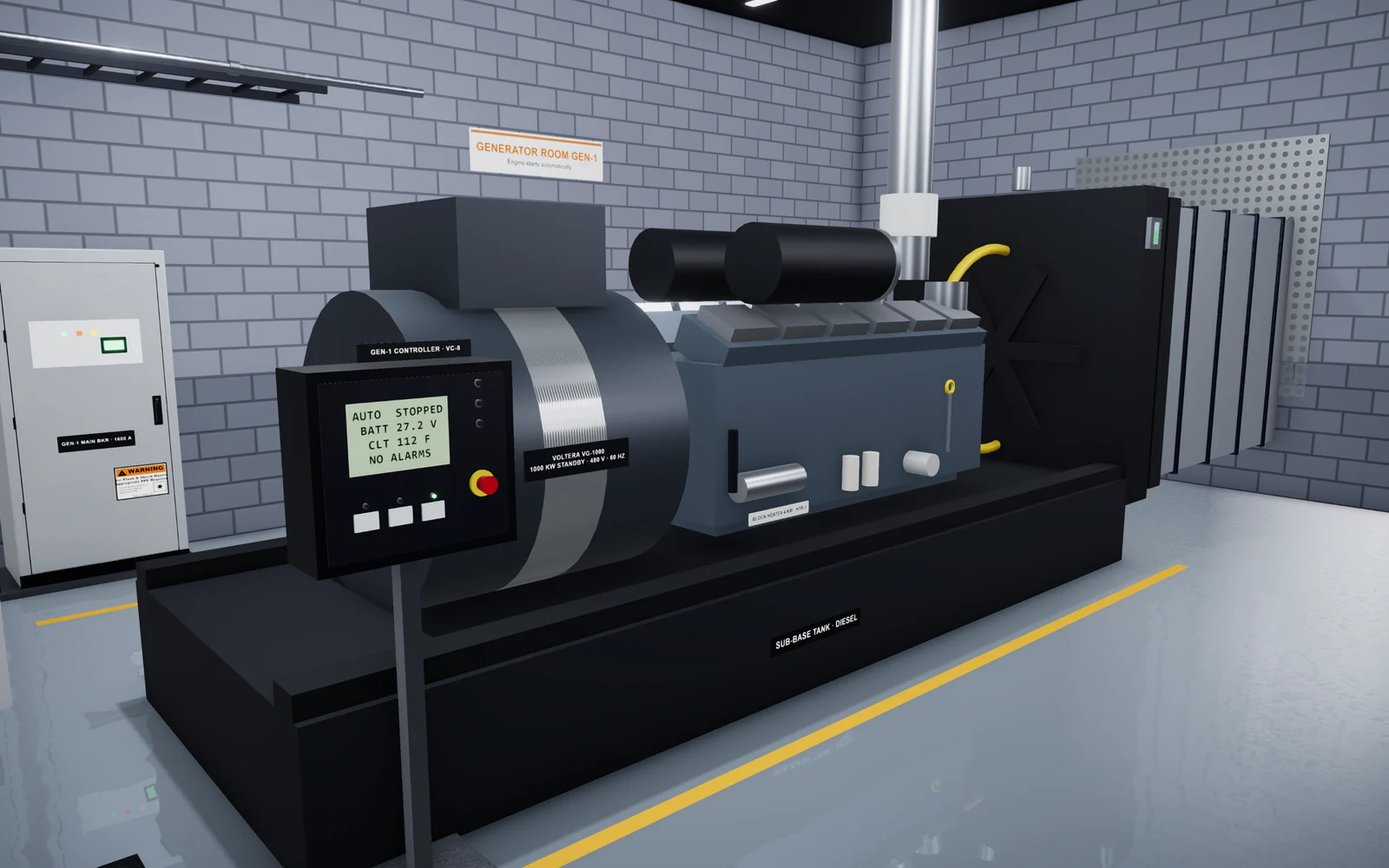
Oasis Simulations builds custom 3D simulations of data center equipment and procedures that run in a web browser. We do not offer a certification. We cover the part certifications leave out: practice on your own equipment, MOPs, and EOPs, reviewed with your team before anyone uses it.
Hiring teams can use these exercises to support interviews, and training teams can use them for practice between courses and live work. The scenes on this site are examples, not a fixed catalog. You can try a data center simulation in your browser, read about our hiring and training programs, or see how we build a program. To talk it through, book a 15-minute call.
Frequently asked questions
What certifications do you need to be a data center technician?
There is no single certification that every employer requires, so check each posting. For entry-level roles, we suggest employers look for safety awareness and the ability to follow procedures, and accept credentials such as CompTIA Network+, BICSI INST1, or a workforce academy as a plus. CNet CDCTP and Server+ expect prior experience.
What is the best data center technician certification?
It depends on the role. CNet's CDCTP is built for people already working in data centers and covers power, cooling, IT, and space. For IT-focused roles, CompTIA Server+ covers server hardware including racking, cabling, power, and cooling. For cabling roles, BICSI TECH includes a hands-on exam.
Should employers require data center certifications?
Require only what the role cannot be done without on day one, or what a law, contract, or your safety program demands. Accept most certifications as evidence in place of some experience, and train for the rest after the hire.
Does an NFPA 70E certificate make someone a qualified person?
No. A course certificate shows the person was trained on the concepts. Under OSHA 1910.332, qualified persons need specific training, and the degree of training depends on the risk. Your electrical safety program decides who may do which work on which equipment.
How do I verify a candidate's data center certification?
Confirm it with the issuer or its digital badge, check that it is current and which exam version it was, and ask what the assessment involved. Then give a short practical exercise built from one of your own procedures.
Sources
- CompTIA Server+ certification, CompTIA
- BICSI Technician (TECH) Certification, BICSI
- Certified Data Centre Technician Professional (CDCTP), CNet Training
- Accredited Operations Specialist (AOS), Uptime Institute
- 29 CFR 1910.332: Training (electrical safety-related work practices), Occupational Safety and Health Administration
Related articles
- Training
Data Center Training Programs: The Best Certifications and Courses for 2026
The data center training programs and certifications we recommend for 2026, with the audience, format, content, and official link for each. We also cover how to choose one and how certifications differ from site-specific training. - Hiring
Data Center Technician Skills Assessment: How to Test Practical Skills Before You Hire
Which tasks to test in data center technician candidates, how written, hands-on, and simulation exercises compare, how to score each candidate fairly, and the legal basics. - Hiring
Data Center Technician Job Description: A Template With Duties by Level and a Skills Matrix
A copyable data center technician job description, typical duties for Tech I, II, and III, a skills matrix across IT, critical facilities, and safety, and how to check each skill when you hire.