Data Center Technician Interview Questions and Answers: 36 Questions, Red Flags, and a Scoring Rubric
36 data center technician interview questions across IT hardware, power and cooling, safety and procedure, troubleshooting, and behavior, each with what a strong answer includes, red flags, and a shared 1 to 4 rubric.
 By Shreshth Saride, Co-founder and CEO20 min read

TL;DR
- Ask every candidate the same job-related questions in the same order, and score each answer on a shared 1 to 4 scale before the panel discusses it.
- Cover five areas: IT and network hardware, power and cooling, safety and procedure, troubleshooting scenarios, and behavior. Weight them to match the role you are hiring for.
- In technician interviews, the order of actions matters more than vocabulary. Strong answers verify before touching, stay inside the ticket, and escalate early.
- Some skills cannot be shown by talking. Use a short practical exercise for procedure skills such as following a MOP or finding isolation points.
- Keep it lawful: the EEOC says tests and selection procedures must be job-related, and disability questions wait until after a conditional offer.
What should you ask in a data center technician interview?
Ask questions that match the tasks in your job description: hardware and cabling, power and cooling, safety and procedure, troubleshooting, and how the person works with others. Ask every candidate the same questions, and decide before the first interview what a strong answer and a weak answer sound like.
Most technician mistakes are not knowledge gaps. They are order-of-operations errors: pulling the wrong drive, starting work without an approved change, or skipping a verification step. So the best questions ask the candidate to walk through a task step by step, and the interviewer listens for what they check before they act and when they stop and escalate.
Weight the areas to the role. An IT data center technician needs depth in hardware, cabling, and troubleshooting, and awareness of power and safety. A critical facilities technician needs the reverse. If you have not yet written down which version you are hiring for, start with our data center technician job description template and its skills matrix, then pick questions from the sections below.
How to structure the interview loop
Use a short screen, one structured technical interview, and one practical exercise or scenario round, with every interviewer scoring against the same rubric. Give each interviewer different question areas so you cover the role without asking the same thing twice.
The US Office of Personnel Management's guidance on structured interviews explains why this matters. Highly structured interviews ask all applicants the same predefined questions and follow-up probes, and score them against benchmarks. OPM says interviews with more structure show higher validity, rater reliability, and rater agreement, and less adverse impact. It also describes panels in which each member rates answers individually and then discusses large scoring differences.
| Stage | Who runs it | What it covers | Length |
|---|---|---|---|
| Screen | Recruiter or hiring manager | Shift pattern, on-call, site location, and the physical requirements in the posting, read the same way to everyone | 15 to 20 minutes |
| Technical interview | A senior technician and a shift lead | Hardware, power and cooling, and safety and procedure questions from this guide | 45 to 60 minutes |
| Scenario or practical round | Operations manager or senior technician | Troubleshooting scenarios, or a short practical exercise for procedure skills | 30 to 60 minutes |
| Behavioral interview | Hiring manager | Past behavior: mistakes, escalation, handoffs, and working under procedure | 30 minutes |
| Debrief | All interviewers | Compare individual scores, discuss large gaps, and decide against the agreed bar | 30 minutes |
Two rules make the loop work. First, interviewers write their scores before the debrief, so the loudest opinion does not set the result. Second, decide which answers end the process, such as an answer that bypasses lockout/tagout, before you meet any candidate.
IT and network hardware interview questions
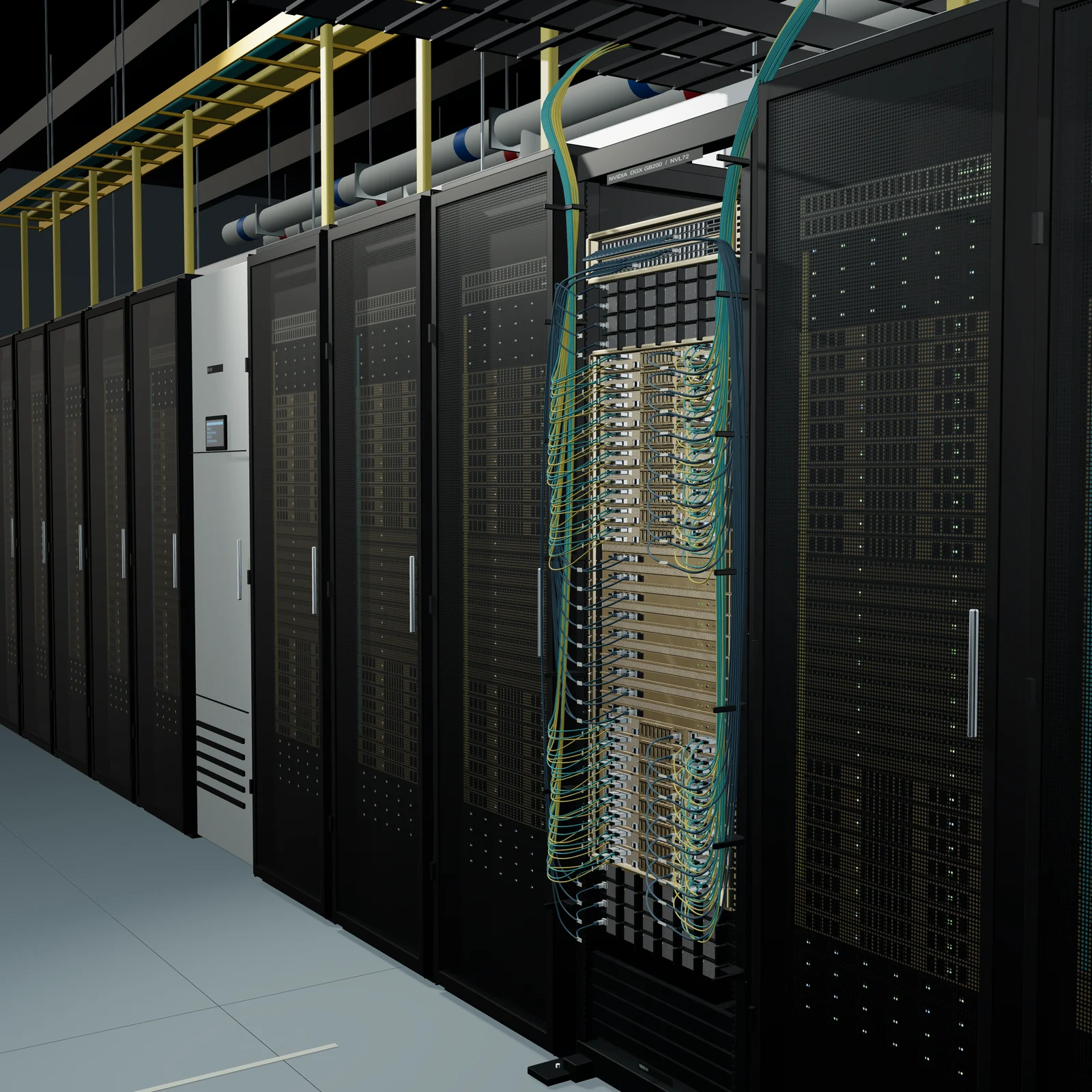
IT hardware questions check whether a candidate can install, replace, and cable equipment without touching the wrong thing. Listen for asset verification, ESD protection, and testing before closing the ticket, not only for correct part names.
| Question | What a strong answer includes | Red flags |
|---|---|---|
| 1. Walk me through installing a 2U server, from the box to handing it over. | Checks the work order and rack elevation, confirms rack space, power, and weight, installs rails and uses a team lift where needed, cables to the plan, labels both ends of each cable, powers up, confirms link and power status, and updates the ticket and asset record | Skips the elevation or labeling, or treats the job as done when the server is in the rack |
| 2. A ticket says to replace a failed drive in a server. How do you make sure you pull the right one? | Matches the ticket to the asset tag, serial number, and rack location, uses the locate LED or management interface, checks the array status, confirms whether the drive is hot-swappable, and confirms the rebuild has started afterward | Goes by rack position or a fault light alone, or would pull a drive without checking the array |
| 3. How would you replace a power supply on a running server? | Confirms the server has redundant supplies, checks that the remaining supply is healthy and on its own feed, uses ESD protection, swaps one supply only, and confirms both supplies report healthy before closing | Does not mention redundancy or checks the healthy supply only after the swap |
| 4. What do you check before you connect a fiber? | Correct fiber type for the optic, single-mode or multimode, connector type, clean and inspect both end faces, polarity and transmit/receive, and a link check after connecting | Plugs in without cleaning or inspecting, or does not know why polarity matters |
| 5. How do you run a cross-connect from a work order? | Reads the order, finds the right panels and ports, confirms the ports are free and correct, runs and dresses the cable to standard, labels both ends, tests, and records the connection | Reuses a port that looks free without checking, or does not record the change |
| 6. How do you keep cabling in a rack serviceable? | Labels both ends, keeps cable lengths sensible, routes through cable management, keeps cables away from fans and exhaust, and leaves room to remove equipment | Describes cabling only as making it look tidy |
| 7. You are decommissioning a server. What happens to its drives? | Follows the site's data-bearing device procedure, records each serial, keeps chain of custody, and never takes a drive off site outside that process | Treats drives as ordinary scrap or would wipe them without following the procedure |
| 8. How do blanking panels and rack layout affect cooling? | Hot aisle and cold aisle orientation, blanking panels to stop hot air recirculating, and equipment facing the right direction | Has not heard of airflow direction, or sees blanking panels as cosmetic |
For new graduates or career changers, accept answers from labs, military work, or field service, and score the reasoning rather than data center vocabulary. A candidate who says "I would check the asset tag against the ticket" in plain words has the right habit.
Critical facilities power and cooling interview questions
Power and cooling questions check whether a candidate understands how the facility keeps IT equipment running and what changes the state of that system. For IT roles, ask two or three of these for awareness; for critical facilities roles, ask most of them and go deeper with follow-up probes.
| Question | What a strong answer includes | Red flags |
|---|---|---|
| 9. Trace power from the utility to a server, using this one-line diagram. | Utility and generator, transfer switch, switchgear, UPS, distribution, PDU or busway, and the A and B feeds to the rack, with the breakers along the way | Cannot read the diagram, or forgets the generator or the A and B paths |
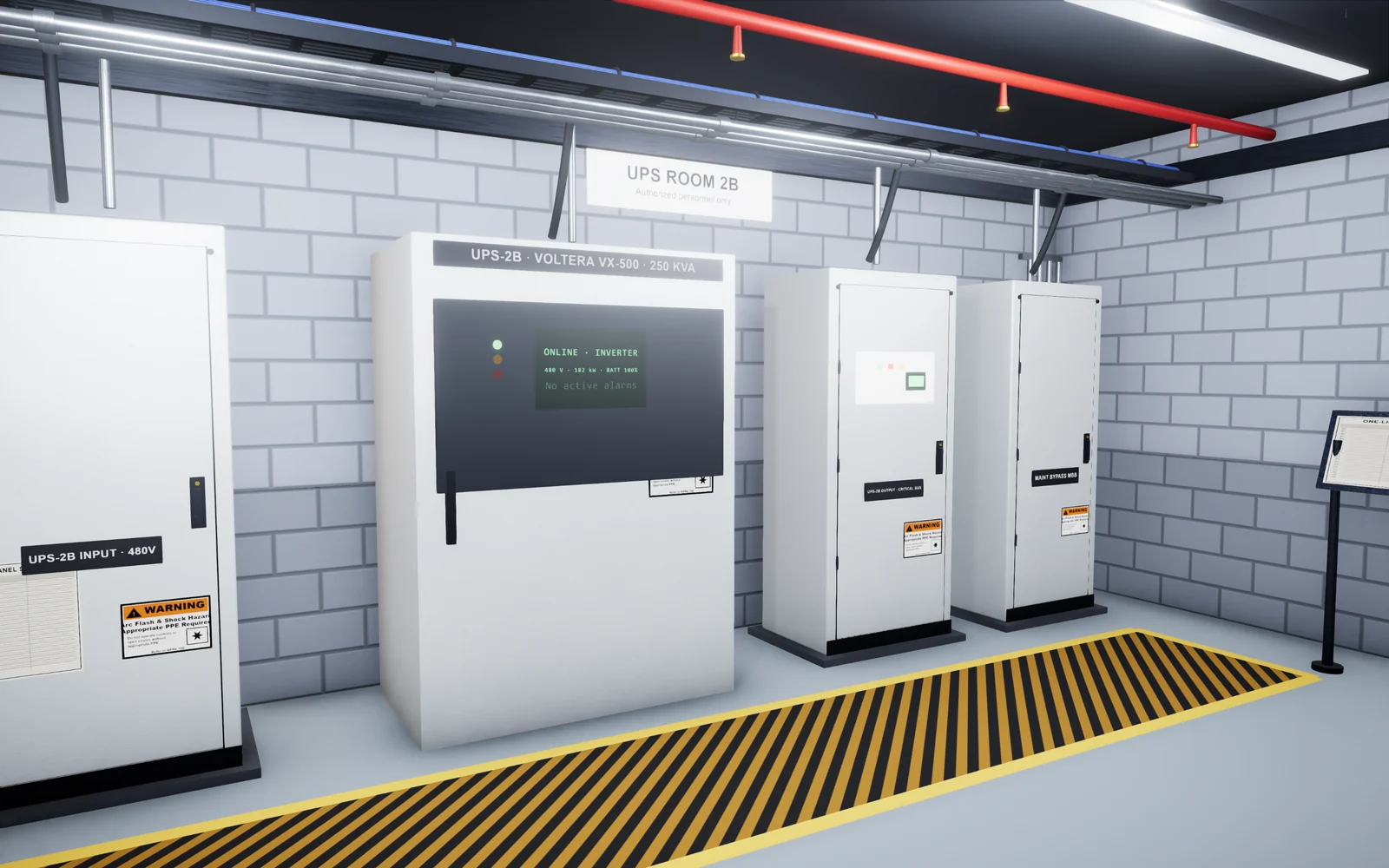
| 10. What are the operating modes of a UPS, and what does each one mean for the load? | Normal online operation, battery operation, static bypass, and maintenance bypass, and that on bypass the load no longer has UPS protection | Mixes up static bypass and maintenance bypass, or thinks bypass is a normal state to leave the system in |
| 11. A rack has A and B feeds. Why, and what do you check before working on one of them? | Redundancy so one feed can be serviced; checks that every device is actually dual-corded to both feeds, that the remaining feed can carry the load, and that the work is approved | Assumes all equipment is dual-corded, or would open a breaker without checking the load |
| 12. What do you do during a walk-through of an electrical room? | Follows the route and checklist, reads and records the listed values, looks for alarms, unusual sounds, smells, and heat, and reports abnormal readings by the site process | Describes a walk-through as just looking around, or would reset alarms without reporting |
| 13. What is your role during a monthly generator test, and how does it end? | Follows the procedure, records readings, watches for alarms and leaks, and confirms the controller is back in AUTO and the breakers are in their normal positions | Does not know the controller must be returned to AUTO |
| 14. What is the difference between a CRAC and a CRAH? | A CRAC has its own compressor; a CRAH uses chilled water from a central plant. Can name the units on a site they know | Cannot name any cooling equipment they have worked near |
| 15. A cold aisle reads warmer than normal. What do you check? | Confirms the reading with a second source, checks for missing blanking panels, open doors, or misplaced tiles, checks the cooling units serving the area for alarms, and escalates per the EOP | Starts changing setpoints or turning units off and on without a procedure |
| 16. Your site has liquid-cooled racks. What would you look for on a CDU walk-through? | Leaks and drips, alarms, supply and return temperatures and pressures against expected values, filter or pump status, and reporting any change | Has no idea what a CDU does, for a role that will work on them |
Use the follow-up probe to separate memory from understanding. After question 10, ask "Why does that matter for the work you are about to do?" A strong candidate connects maintenance bypass to the risk of losing the load. For liquid cooling depth, see our liquid cooling training guide; for construction and expansion sites that hire people with testing experience, see commissioning levels L1 to L5.
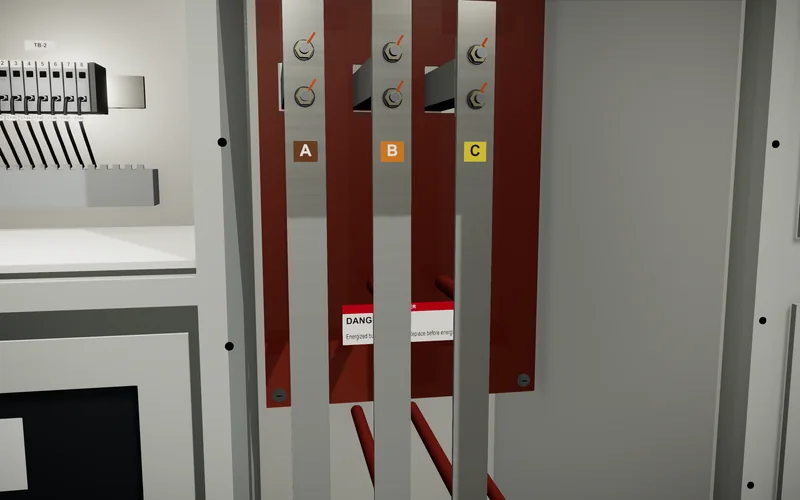
Safety and procedure interview questions: LOTO, MOPs, and escalation
Safety and procedure questions are the ones most likely to decide the hire, because an unsafe answer cannot be trained out in a week. Ask them of every technician candidate, IT or facilities, and agree in advance which answers end the process.
Anchor the strong answers in your own site procedures and in the standards behind them. OSHA's lockout/tagout standard, 29 CFR 1910.147, defines an authorized employee as a person who locks out or tags out equipment to service it, and requires that person to verify isolation and de-energization before starting work. Uptime Institute's guide to writing a good method of procedure says each MOP step should state what to do and the expected result, and that MOPs include go/no-go checkpoints and a back-out plan.
| Question | What a strong answer includes | Red flags |
|---|---|---|
| 17. What is lockout/tagout, and when does it apply to your work? | Controlling hazardous energy during servicing or maintenance: isolate, lock and tag, release stored energy, and verify isolation before work. Knows the difference between authorized and affected employees | Describes a tag alone as enough, or skips verification |
| 18. You have locked out a panel. How do you know it is safe to work on? | Verifies absence of voltage with a tested meter by the site procedure and the required PPE, and checks for stored energy and other sources | Trusts the breaker position or the label |
| 19. What is a MOP, and how do you use one? | A step-by-step procedure for a change of state, followed in order at the point of use, initialing each step and checking each expected result, under an approved change | Reads the MOP beforehand and then works from memory |
| 20. A MOP step says the breaker should be closed, but you find it open. What do you do? | Stops, does not force the procedure forward, puts the system in a safe state per the back-out plan if needed, and escalates to the person who approved the change | Changes the breaker to match the document, or skips the step |
| 21. What is the difference between a MOP, an SOP, and an EOP? | SOP: the overarching procedure for normal operations; MOP: step-by-step actions for a change of state; EOP: steps carried out in order when an abnormal event triggers them | Treats them as interchangeable names for paperwork |
| 22. What does an arc flash label tell you? | The hazard and boundaries for that equipment and the PPE required, and that the person should not cross the boundary without the training and authorization the work needs | Has never looked at one, for a facilities role |
| 23. When should you escalate, and what do you say? | Escalates when something does not match the procedure, when work would go outside the ticket, or when an alarm needs a decision, and gives location, what was seen, what was done, and what has not been touched | Waits until they have fixed it, or escalates with "something is wrong" and no detail |
Troubleshooting scenario questions
Troubleshooting scenarios check how a candidate reasons when they do not yet know the answer. Give the scenario, let them ask questions, and answer as the site would; a strong candidate gathers facts and checks the physical layer before changing anything.
| Question | What a strong answer includes | Red flags |
|---|---|---|
| 24. A customer says their server is unreachable. What do you do? | Confirms the ticket and asset, checks power and status lights, link lights, and cabling, checks the switch port if allowed, and reports findings before any reboot unless the ticket authorizes one | Reboots first, or starts changing cables that are not in the ticket |
| 25. A link will not come up after a new fiber patch. Walk me through it. | Checks the ports against the order, cleans and inspects both ends, checks polarity and optic type, swaps a known-good patch cord, and records what fixed it | Swaps parts at random without checking ends or polarity |
| 26. You see an unseated cable that is not part of your ticket. What do you do? | Does not touch it, records and reports it so the owner can decide, and notes it in the ticket | Pushes it back in because it is obviously loose |
| 27. A server keeps failing after you replaced the part. What next? | Rechecks the diagnosis, looks for a common cause such as a slot, cable, or power feed, checks firmware or seating, and escalates with what has been tried | Keeps replacing the same part |
| 28. Halfway through a maintenance window, a step fails. What now? | Stops at the step, follows the back-out plan or go/no-go point, informs the change owner, and records the timeline | Improvises to finish inside the window |
| 29. A PDU alarms high current on one rack. What do you do? | Confirms the reading, checks what was recently added to the rack, checks the other feed, informs the shift lead, and does not move loads without approval | Unplugs devices to bring the number down |
| 30. A water sensor alarms under a row. What do you do? | Follows the EOP, finds the source if safe, keeps clear of electrical hazards, informs the shift lead, and records what was found | Ignores it as a likely false alarm, or walks into standing water near power |
Score the order of actions, not just the final fix. A candidate who names the right cause but would have changed three things before checking it should score lower than one who checks first and escalates without a fix.
Behavioral interview questions for data center technicians
Behavioral questions ask what the candidate did in a past situation, which shows how they actually work under procedure, pressure, and handoffs. Ask for one specific example each time and probe for the details: what happened, what they did, and what changed afterward.
OPM describes two formats for job-related questions: situational questions that ask what the person would do, like the scenarios above, and behavioral description questions that ask about past behavior. Both work, and a mix suits technician roles.
| Question | What a strong answer includes | Red flags |
|---|---|---|
| 31. Tell me about a time you made a mistake at work. What happened next? | A real example, reported quickly, owned without blaming others, and a concrete change made afterward | Claims never to have made a mistake, or hid it |
| 32. Tell me about a time a procedure did not match what you saw. | Stopped, raised it, did not work around it, and helped correct the document | Worked around it and moved on |
| 33. Describe a shift handoff you gave. What did you include? | Open work, what was changed, current alarms, anything left in a non-normal state, and where it is recorded | Handoffs are verbal and informal |
| 34. Tell me about a time you were pressured to skip a step. | Held the line politely, explained the risk, escalated, and found a safe way to meet the need | Skipped it because the request came from someone senior |
| 35. Tell me about a time you learned a new system quickly. | A specific system, how they learned it, who they asked, and how they checked their understanding | Cannot name what they did to learn it |
| 36. Tell me about a time you worked with a vendor or a customer on site. | Clear communication, kept the work inside scope and the site rules, and recorded the outcome | Let the visitor work outside the approved scope |
Scoring rubric: one 1 to 4 scale for every interviewer
Score every answer on the same four-point scale, and write one line of evidence next to each score. A four-point scale has no middle option, so each interviewer has to decide whether an answer meets the bar.
| Score | Anchor | Example: question 20, MOP step does not match |
|---|---|---|
| 4: Strong | Correct steps in the right order, verifies before acting, names who to tell, and adds a relevant detail unprompted | Stops, leaves the breaker as found, follows the back-out plan if the system is not stable, calls the change owner, and records the mismatch |
| 3: Meets the bar | Correct steps in the right order, with minor gaps that a short prompt fills | Stops and calls the shift lead; mentions recording the mismatch only after a prompt |
| 2: Below the bar | Partly correct, but misses a verification step or an escalation, or gets the order wrong | Stops, but would close the breaker if the lead agreed by phone, without a revised procedure |
| 1: Not shown | Incorrect or unsafe, or no relevant example | Closes the breaker to match the MOP and continues |
- Score alone first. Each interviewer records scores and evidence before the debrief, then the panel discusses any question where scores differ by two points or more.
- Mark must-pass questions. For example, a 1 on question 17, 18, or 20 ends the process regardless of the total. Agree on this list before the first candidate.
- Weight by role. For an IT role, weight hardware and troubleshooting more heavily; for a critical facilities role, weight power, cooling, and safety. Write the weights down before interviews start.
- Score the answer, not the delivery. Nervous candidates and those who speak plainly should score the same as polished speakers when the steps are the same.
Copyable interview scoresheet template
- Candidate: [name]. Role: [IT / critical facilities], [Tech I / II / III]. Interviewer: [name]. Date: [date].
- Question areas assigned to this interviewer: [for example, questions 1 to 8 and 17 to 23].
- For each question: score [1 / 2 / 3 / 4] and one line of evidence in the candidate's own words.
- Must-pass questions: [list]. Any score of 1: [yes / no, which].
- Area averages: IT hardware [ ], power and cooling [ ], safety and procedure [ ], troubleshooting [ ], behavioral [ ].
- Practical exercise result, if used: [pass / not shown, with notes].
- Recommendation, written before the debrief: [hire at level / hire at a lower level / no hire], with one sentence of reasoning.
When a practical exercise works better than a question
Use a practical exercise for skills that depend on doing steps in order, such as following a MOP, finding isolation points, or tracing a cable from a work order. A candidate can describe lockout/tagout well in an interview and still skip a step at the panel, so these skills need to be seen, not only described.
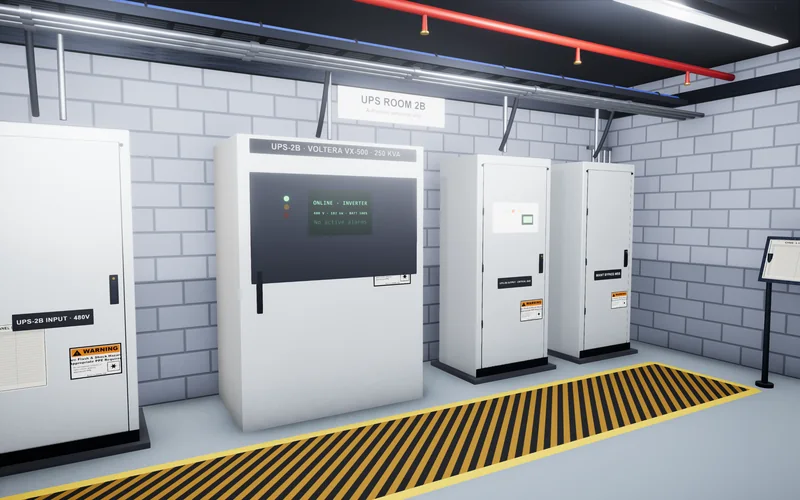
Keep the exercise short, the same for every candidate, and tied to a real task in the job description. Good options include matching a ticket to the right asset and naming the part to replace, listing the isolation points for a panel from a one-line diagram, following a short MOP extract that contains one planted mismatch, or naming each cabinet in a UPS lineup and its current mode. Score it with the same 1 to 4 anchors, and decide in advance which errors end the exercise.
The EEOC's fact sheet on employment tests and selection procedures lists sample job tasks, including performance tests, simulations, and work samples, as one type of selection procedure, so the same fairness rules apply to the exercise as to the interview. Our data center technician skills assessment guide covers how to design and score one, with a worked example.
Keep the interview fair and job-related
Every question and exercise should come from the job's real tasks, and every candidate should get the same ones. The EEOC says that tests and selection procedures that disproportionately exclude a protected group must be job-related and consistent with business necessity, and that the employer, not a test vendor, is responsible for that.
- Tie each question to a task. If you cannot point to the line in the job description that a question checks, drop it.
- Do not test what you will teach. If your site's switching sequence is taught in onboarding, ask about general procedure discipline instead. Our onboarding plan shows where those skills are taught.
- Do not ask about disability or health before an offer. The EEOC fact sheet says employers may not ask disability-related questions or require medical examinations until after a conditional job offer. Read the physical requirements from the posting to everyone, the same way.
- Offer accommodations. The ADA requires reasonable accommodations in how tests are given, unless that would impose an undue hardship. Tell candidates how to ask for one.
- Do not change the scoring for any group. The EEOC fact sheet notes that Title VII forbids adjusting scores or using different cutoff scores on the basis of race, color, religion, sex, or national origin.
- Review the questions when the job changes. The EEOC recommends keeping selection procedures up to date as job requirements change.
This is general information, not legal advice. Review your interview kit with your HR and legal team before you use it.
Data center technician interview kit checklist
Prepare the kit once, before the first candidate, and use it unchanged for the whole hiring round. Copy this checklist into your hiring plan.
- [ ] Job description finalized, with the role type (IT or critical facilities), level, and skills marked as day one or taught.
- [ ] 12 to 20 questions picked from this guide, each mapped to a line in the job description.
- [ ] Strong-answer notes and red flags written for each question, in your site's terms.
- [ ] Must-pass questions and area weights agreed and written down.
- [ ] Question areas assigned to each interviewer, with no overlaps.
- [ ] One practical exercise chosen for procedure skills, with its scoring anchors and stop rules.
- [ ] Interviewers briefed on the 1 to 4 rubric and on scoring alone before the debrief.
- [ ] Accommodation request process included in the candidate invitation.
- [ ] Kit reviewed by HR and legal.
- [ ] Date set to review the kit after the hiring round.
How Oasis helps
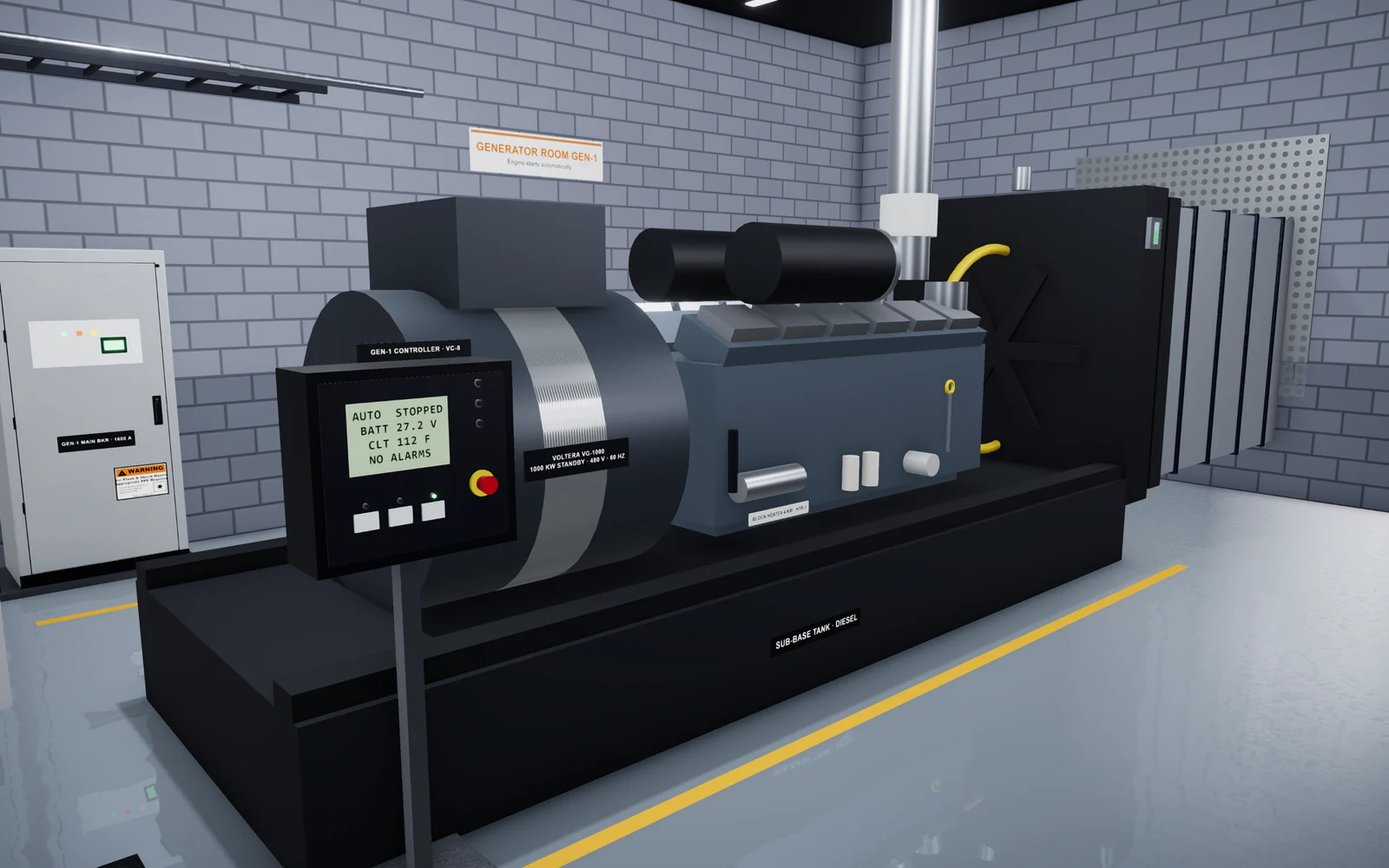
Oasis Simulations builds custom 3D simulations of data center equipment and procedures that run in a web browser. We build each scenario around your equipment, your MOPs and EOPs, and your site standards, and review it with your team before anyone uses it.
Hiring teams can use these scenarios as the practical round of an interview loop: every candidate gets the same task, and interviewers discuss what they saw. The exercises support interviews; they are not a validated prediction of job performance. After the hire, the same scenarios become practice for the skills you teach. You can try a data center simulation in your browser, read about our hiring and training programs, or see how we build a program. To talk it through, book a 15-minute call.
Frequently asked questions
What questions are asked in a data center technician interview?
Expect questions on server and network hardware, cabling and fiber, power and cooling basics, lockout/tagout and procedures such as MOPs, troubleshooting scenarios, and past behavior such as mistakes and escalations. The exact mix depends on whether the role is IT or critical facilities.
How should interviewers score data center technician interview answers?
Use one 1 to 4 scale with written anchors for every question, record scores and evidence alone before the debrief, and agree in advance which questions are must-pass. Discuss any question where interviewers' scores differ by two points or more.
What are red flags in a data center technician interview?
The biggest red flags are acting before verifying, such as pulling a drive by position alone, working outside the ticket, trusting a breaker position instead of testing for absence of voltage, and pushing through a MOP step that does not match what the candidate sees.
How many questions should a data center technician interview include?
Pick 12 to 20 questions for the whole loop, mapped to the job description, and split them between interviewers so nobody repeats an area. Add one short practical exercise for procedure skills.
How can a candidate prepare for data center technician interview questions?
Practice walking through tasks step by step out loud: what you check first, what you do, who you tell, and what you record. Learn the basics of the power chain, UPS modes, fiber handling, and lockout/tagout, and prepare specific examples of mistakes you reported and procedures you followed.
Is it legal to give data center technician candidates a practical test?
In the US, yes, if it is job-related, given the same way to every candidate, scored consistently, and offered with reasonable accommodations. The EEOC lists simulations and work samples as selection procedures covered by the same anti-discrimination rules as interviews.
Sources
- Employment Tests and Selection Procedures, U.S. Equal Employment Opportunity Commission
- Structured Interviews, U.S. Office of Personnel Management
- 29 CFR 1910.147: The control of hazardous energy (lockout/tagout), Occupational Safety and Health Administration
- The Making of a Good Method of Procedure, Uptime Institute Journal
Related articles
- Hiring
Data Center Technician Skills Assessment: How to Test Practical Skills Before You Hire
Which tasks to test in data center technician candidates, how written, hands-on, and simulation exercises compare, how to score each candidate fairly, and the legal basics. - Hiring
Data Center Technician Job Description: A Template With Duties by Level and a Skills Matrix
A copyable data center technician job description, typical duties for Tech I, II, and III, a skills matrix across IT, critical facilities, and safety, and how to check each skill when you hire. - Training
Data Center Technician Onboarding: A Practical 30/60/90-Day Plan
An onboarding plan for new data center technicians that covers preparation, the first week, 30/60/90-day goals, LOTO and arc flash awareness, MOPs and EOPs, shadowing, practice, and competence checks.